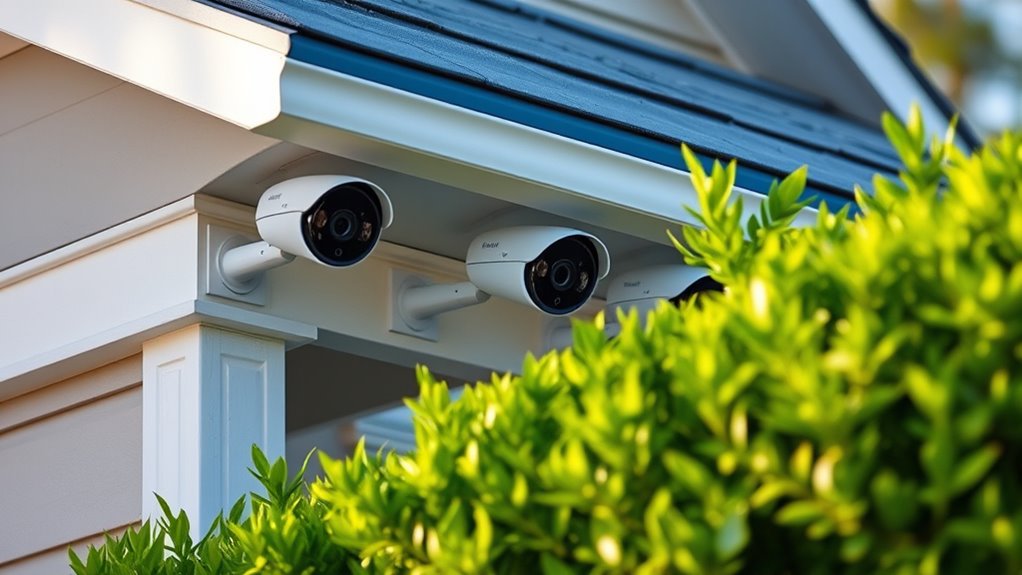

When placing security cameras, focus on covering key entry points, driveways, and outdoor areas while avoiding private spaces like neighbors’ yards or windows. Use privacy masking features to block sensitive areas, and guarantee your cameras don’t intrude on others’ privacy rights. Position cameras at appropriate heights for clear footage and check local laws to stay compliant. Want to learn more about how to balance security and privacy effectively? Keep exploring for helpful tips.
Key Takeaways
- Position cameras to cover entry points and outdoor areas while avoiding private spaces like neighbors’ yards or windows.
- Use privacy masking features to block recordings of specific areas, maintaining privacy rights.
- Follow local laws and regulations regarding camera placement and recording to ensure legal compliance.
- Opt for discreet camera types, like dome cameras, to minimize intrusion and respect privacy.
- Regularly review and adjust camera coverage to balance security needs with privacy considerations.
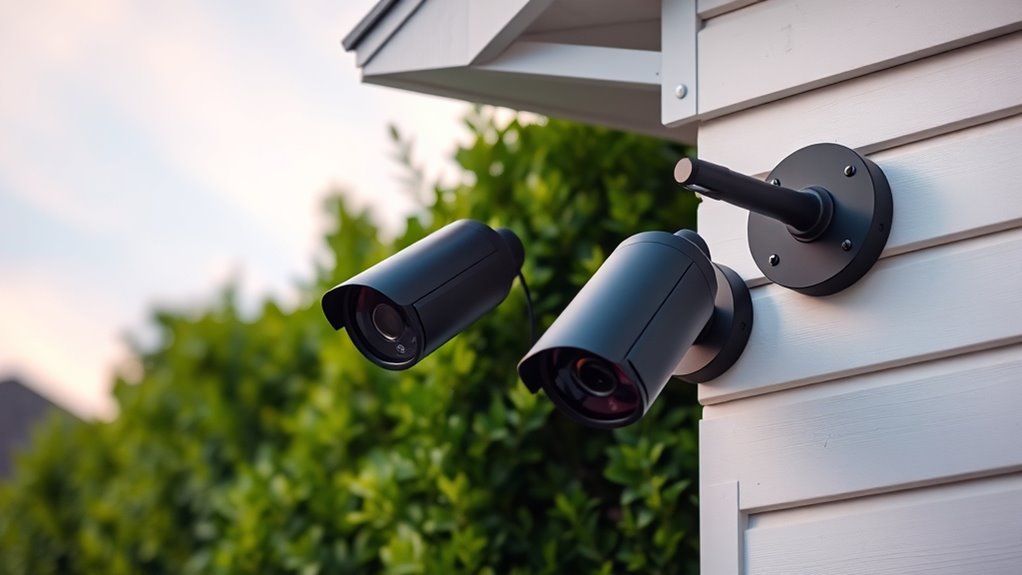
Security cameras have become an indispensable part of modern security systems, providing a visible deterrent to crime and allowing you to monitor your property in real-time. When considering the types of surveillance, you’ll find a wide range of options designed to meet different needs. For outdoor areas, bullet cameras are popular because they’re designed to withstand weather and have long-range lenses, making them ideal for covering large spaces. Dome cameras are discreet and less obtrusive, perfect for indoor use or locations where aesthetics matter. Wireless cameras offer flexibility and easy installation, while wired systems typically provide more consistent connections and higher quality footage. Each type serves a specific purpose, so understanding your environment helps you choose the right surveillance setup.
Proper camera maintenance is essential to keep your security system functioning effectively. Regularly cleaning your cameras’ lenses ensures clear footage, especially if they’re placed outdoors where dirt, dust, or spider webs can obscure the view. Check for any physical damage or misalignment that might affect image quality or coverage. Firmware updates are indispensable too, as they patch vulnerabilities and improve system performance. If you notice any issues with connectivity or image quality, troubleshooting early prevents larger problems later. Additionally, testing your cameras periodically verifies they are recording and transmitting footage properly. This ongoing maintenance isn’t just about protecting your equipment; it’s about guaranteeing the security system reliably deters intruders and provides evidence if needed. Incorporating regular inspections into your security routine can extend the lifespan of your cameras and ensure consistent performance.
Regularly clean lenses and update firmware to ensure your security cameras work reliably and effectively.
When planning camera placement, think about privacy and legal considerations. Position cameras where they cover vulnerable entry points, driveways, and common outdoor areas without intruding on neighbors’ privacy. You want to create a thorough surveillance network that covers your property without infringing on public or private spaces where surveillance isn’t appropriate. Respecting privacy laws is essential, so avoid pointing cameras into neighboring yards or windows. Many modern systems also include privacy masking features, allowing you to block out certain areas from recording. This helps balance security with respecting others’ privacy rights and avoiding legal complications.
Ultimately, your choice of camera types, strategic placement, and diligent maintenance work together to create an effective security setup. By understanding the different surveillance options available and committing to regular upkeep, you’ll guarantee your security system remains reliable and unobtrusive. Keep in mind that the goal isn’t just to place cameras everywhere but to position them thoughtfully and responsibly, making your property safer without crossing privacy boundaries. Regular maintenance and careful planning help you get the most from your investment, giving you peace of mind while keeping your home or business protected.
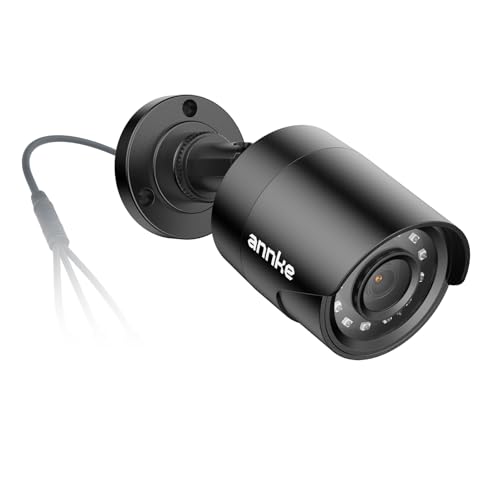
ANNKE 1080p Security Camera 4-in-1 CCTV Bullet Wired Cam, AHD/TVI/CVI/CVBS, Analog Surveillance Video Add-On Black Camera for Outdoor Use, 100ft Clear Night Vision (Power Adapter Not Included) – E200
Crystal Clear 1080p Footage: With this 2MP security camera, you can see everything clearly that matters in 1080p…
As an affiliate, we earn on qualifying purchases.
As an affiliate, we earn on qualifying purchases.
Frequently Asked Questions
How Can I Prevent Security Cameras From Invading Neighbors’ Privacy?
To prevent security cameras from invading your neighbors’ privacy, you should consider creating camera blind spots by adjusting the camera angles and using privacy fencing. Position cameras to cover your property without overlooking neighboring yards. Communicate with your neighbors to ensure you’re respecting their privacy. Regularly review footage and adjust camera placement if needed, guaranteeing your security measures don’t infringe on others’ privacy rights.
Are There Legal Restrictions on Camera Placement Around Private Property?
Think of your property as a stage, and camera placement as setting the spotlight—too much intrusion can steal the show. Legal restrictions guide where you can place cameras, especially near neighbors’ homes or public areas. You must follow these rules to avoid privacy issues and potential legal trouble. Always check local laws before installing cameras to confirm your setup respects privacy rights and stays within legal boundaries.
What Are the Best Practices for Securing Camera Footage From Hacking?
To secure your camera footage from hacking, you should use strong encryption methods to protect data transmission and storage. Implement access controls by setting unique, complex passwords and enabling two-factor authentication. Regularly update your camera’s firmware to patch vulnerabilities. Additionally, consider isolating your security system on a separate network, and disable remote access when not needed. These steps help guarantee your footage remains private and secure from unauthorized access.
How Do I Address Privacy Concerns With Employees or Visitors?
Think of your security system as a welcoming lighthouse—bright but considerate. You should obtain employee consent before installing cameras and clearly communicate their purpose. Use signage requirements to inform visitors and staff about surveillance, much like warning lights on a lighthouse guide ships safely. Address privacy concerns directly, showing respect for personal space while maintaining security. This transparency builds trust, ensuring everyone feels protected rather than watched.
Can Security Cameras Record Audio Without Violating Privacy Laws?
Yes, security cameras can record audio, but doing so may violate privacy laws depending on your location. You should check local regulations before enabling audio recording, as many jurisdictions require informing individuals and obtaining consent. Always prioritize transparency and guarantee that your audio recording practices comply with privacy laws. If in doubt, seek legal advice to avoid potential legal issues and protect everyone’s privacy rights.

ZOSI 2MP 1080P HD Security Dome Camera Outdoor Indoor, IP66 Weatherproof Surveillance CCTV Camera (Hybrid 4-in-1 HD-CVI/TVI/AHD/960H Analog CVBS), 80ft IR Night Vision, 90° Wide Angle, 24PCS LEDs
(1). [ 1080P Hybrid 4-in-1 HD-CVI/TVI/AHD/Analog ] __ Easily switch between 4 video outputs (TVI/AHD/HD-CVI/CVBS) and customize video…
As an affiliate, we earn on qualifying purchases.
As an affiliate, we earn on qualifying purchases.
Conclusion
You install security cameras to protect your privacy, yet often, they end up invading it more than any thief ever could. Ironically, in trying to feel safe, you might be unknowingly watched yourself. So, while those cameras aim to keep you secure, they can also make you feel exposed and vulnerable. Remember, sometimes the biggest breach of privacy comes not from outsiders, but from the very devices meant to safeguard your home.

Hiseeu Wireless Pro WiFi Security Camera System, 16CH 4K NVR Kit, Corded Powered 8Pcs 5MP CCTV Home Security Camera System for Indoor/Outdoor, Night Vision, Waterproof, Motion Detection, 3TB HDD
【Local & Remote Control】 The home security camera system support local view & control, no need WiFi. For…
As an affiliate, we earn on qualifying purchases.
As an affiliate, we earn on qualifying purchases.

ZUCUCUC Laptop Camera Cover Slide, Phone Camera Cover Slide, 6 Pack Ultra Thin Webcam Cover Slide for Laptop, Desktop, PC, Tablet, Smartphone, Protect Your Privacy and Security(Black)
Protect Personal Privacy: Web camera cover can efficiently protect personal and family online privacy secure and prevents unwanted…
As an affiliate, we earn on qualifying purchases.
As an affiliate, we earn on qualifying purchases.