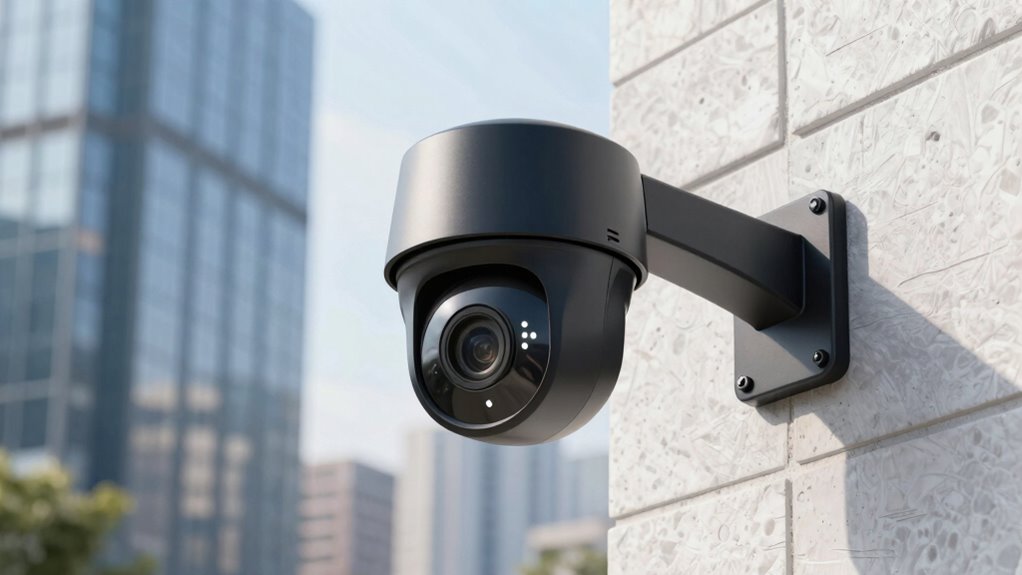

When choosing between local and cloud storage for your security cameras, consider your need for control, accessibility, and budget. Local storage, like DVRs or NAS systems, gives you full control and keeps footage onsite, but requires maintenance and power backup. Cloud storage offers remote access and automatic backups but involves ongoing fees and relies on internet stability. To make the best decision, you’ll need to weigh security concerns, costs, and convenience—details that could help you optimize your security setup.

Get your next haul delivered free with Prime
- Fast, free delivery on millions of items
- Prime Video, Amazon Music and more included
- Member-only deals all year
Key Takeaways
- Local storage offers immediate access and full control, while cloud storage enables remote viewing and automatic backups.
- Cloud storage depends on internet stability; local storage functions independently of network connectivity.
- Both methods require strong encryption; cloud providers typically handle security, while local storage needs user-managed security.
- Local storage involves hardware costs and maintenance; cloud storage incurs ongoing subscription fees.
- Choose based on security needs, budget, and access preferences, considering privacy and ease of management.
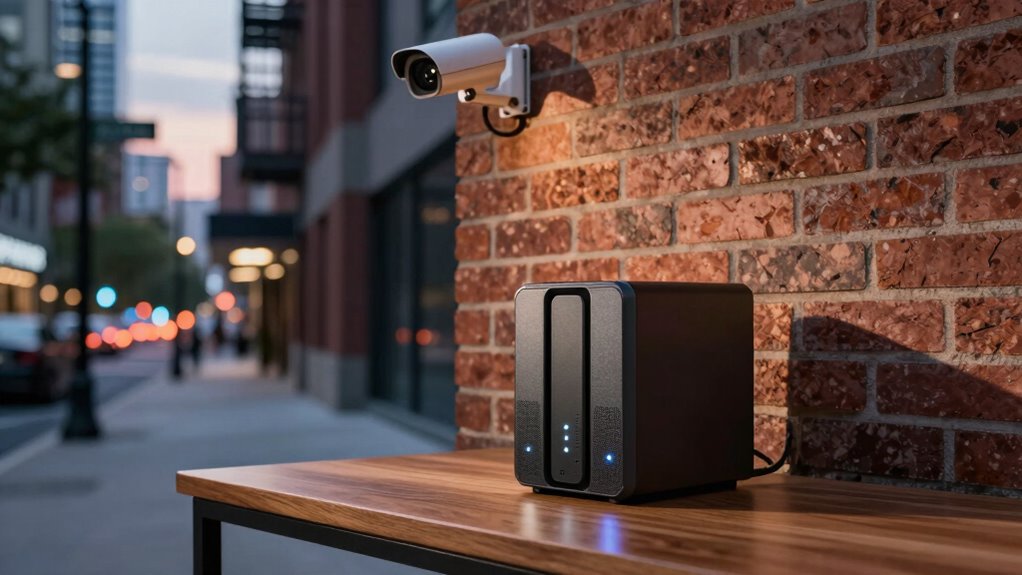
When choosing a storage solution for your security cameras, understanding the differences between local storage and cloud storage is essential. Each option offers unique benefits and drawbacks, so your decision should align with your security needs, budget, and technical comfort level. Local storage typically involves devices like DVRs or network-attached storage (NAS) systems that keep footage on physical hardware within your premises. With local storage, your videos are stored directly on-site, giving you immediate access without relying on an internet connection. This setup is appealing if you want control over your data and prefer to avoid ongoing subscription fees. However, security considerations are crucial here: you need to ensure proper data encryption to safeguard your footage from unauthorized access. Since local storage doesn’t depend on the internet, it’s less vulnerable to hacking through online channels, but it also means you won’t have remote access unless you set up remote viewing capabilities. Implementing robust encryption is vital to protect your footage regardless of the storage method you choose. Additionally, regular maintenance and updates are necessary to ensure your local storage system remains secure and functioning correctly. Having a reliable power backup can also be critical to prevent data loss during outages. Furthermore, considering physical security measures for your storage devices can help prevent theft or tampering with your footage.
On the other hand, cloud storage involves uploading your footage to remote servers maintained by a third-party provider. This approach offers the convenience of accessing your videos from anywhere, as long as you have an internet connection. Cloud storage providers usually handle data encryption, ensuring your footage remains secure during transmission and while stored on their servers. Yet, because it relies heavily on internet dependency, any disruption in your internet service can temporarily cut off access to your recordings. Additionally, cloud storage often involves monthly fees, which can add up over time. Some users worry about privacy and data security when their footage is stored externally, but reputable providers implement strong encryption protocols to protect your videos from unauthorized access. It’s also important to evaluate the provider’s reputation and security practices before entrusting your footage to their services. Overall, understanding security best practices for cloud storage can help you mitigate potential risks and protect your footage effectively.
When weighing these options, consider your comfort with internet dependency. If you prefer to have full control over your footage and minimize reliance on external servers, local storage might be the better choice. It’s especially advantageous if you’re concerned about ongoing costs or want to keep your data in-house. Conversely, if you value remote access, automatic backups, and don’t mind paying a subscription fee, cloud storage can be more convenient. Regardless of your choice, prioritize solutions that incorporate robust data encryption to keep your footage safe from cyber threats. Ultimately, your decision should balance your security concerns, budget constraints, and how much you value ease of access versus control.
Products Worth Considering
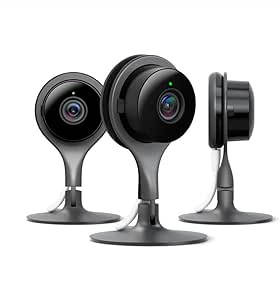
Google Nest Cam Indoor Security Camera, 3-Pack

Coway Airmega 250 Air Purifier for Large Rooms

Bose SoundLink Flex Bluetooth Speaker (2nd Gen), Portable Waterproof Speaker, Black
As an affiliate, we earn on qualifying purchases.
Frequently Asked Questions
How Does Latency Differ Between Local and Cloud Storage?
Latency is lower with local storage because data transfer occurs directly from the camera to the device, avoiding network delay. With cloud storage, your footage must travel over the internet, introducing potential delays due to network congestion or latency. This means your live feed and recordings might experience slight lag with cloud options, whereas local storage typically offers faster access and real-time viewing, making it ideal for immediate security needs.
Can Local Storage Be Hacked More Easily Than Cloud Storage?
A stitch in time saves nine, and that’s true with security storage. Local storage can be hacked more easily if you don’t use strong data encryption and strict access control. Unlike cloud storage, which often has professional security measures, local devices depend on your setup’s security. To protect your footage, guarantee your local system employs robust encryption and limits access to trusted users.
What Are the Environmental Impacts of Each Storage Type?
Local storage generally has a lower environmental impact because it consumes less energy, especially if you use energy-efficient devices. However, hardware disposal can be a concern, as local devices like hard drives contribute to electronic waste when replaced. Cloud storage often requires large data centers, which consume significant energy and generate more heat, increasing environmental strain. You should weigh energy use and hardware disposal when choosing the best option for you.
How Easy Is It to Upgrade or Expand Local Storage?
Upgrading your local storage is like turning a small boat into a mighty ship—you can expand it, but it takes effort. You can easily increase storage capacity by adding more hard drives or upgrading existing ones, making it cost-efficient. This hands-on approach offers control and flexibility, allowing you to tailor your system to your needs. While it may require some technical know-how, the reward is a more robust, personalized security setup.
Are There Legal Restrictions on Storing Surveillance Footage Locally or in the Cloud?
Yes, there are legal restrictions on storing surveillance footage locally or in the cloud. You must guarantee legal compliance with privacy laws like GDPR or CCPA, which regulate how you handle personal data. Privacy concerns are also essential; you need to securely store footage to prevent unauthorized access. Familiarize yourself with local regulations and consider privacy rights to avoid legal issues and protect individuals’ rights while maintaining effective surveillance.
Conclusion
So, which storage option will you choose? Will you trust the tangible security of local storage, or risk it all with the convenience—and vulnerabilities—of the cloud? The decision isn’t just about security—it’s about peace of mind. Think carefully, because once you make your choice, the future of your surveillance and safety hangs in the balance. Are you ready to take that step and secure what matters most? The choice is yours—what will you decide?