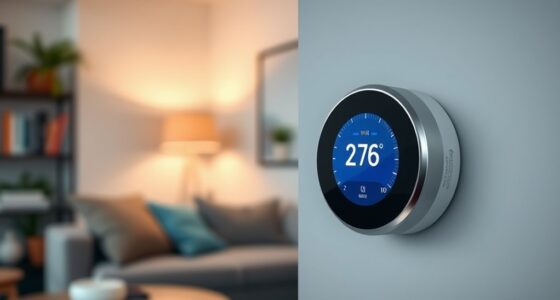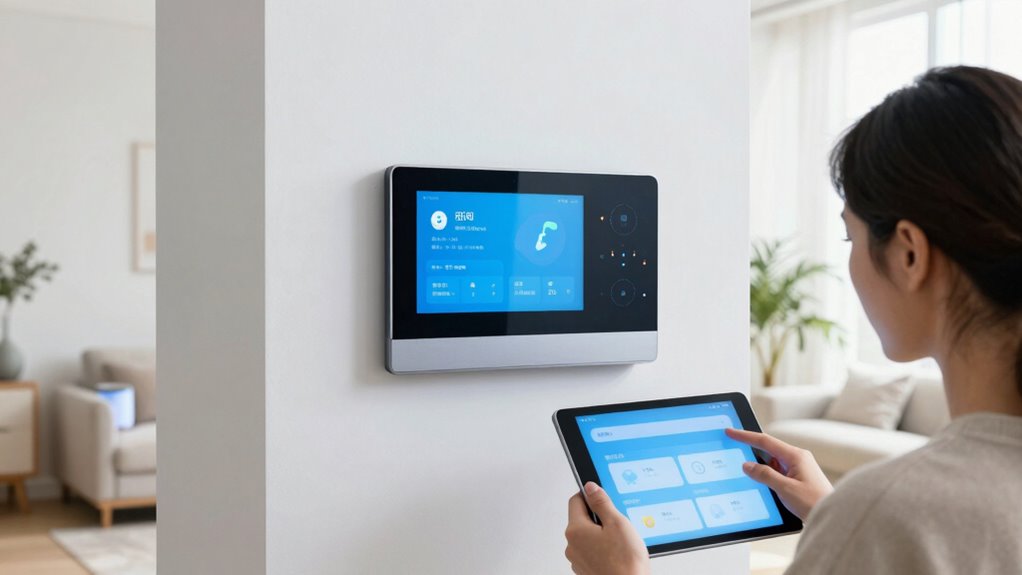

To avoid notification overload in your smart home, customize your settings by turning off non-essential alerts and silencing minor events. Focus on critical notifications that truly matter, and use scheduling to receive alerts during specific times. Manage your privacy by opting for general alerts and reviewing permissions regularly. Automate routine responses and batch updates for daily summaries. Ensuring device compatibility and integrating your system helps keep notifications clear and manageable—learn more to master a balanced alert system.

Get your next haul delivered free with Prime
- Fast, free delivery on millions of items
- Prime Video, Amazon Music and more included
- Member-only deals all year
Key Takeaways
- Customize and prioritize alerts by disabling non-essential notifications and focusing on critical alerts only.
- Schedule notifications during specific times to prevent constant interruptions.
- Use general alerts instead of detailed notifications to protect privacy and reduce overload.
- Automate and batch notifications into summaries to minimize frequent alerts.
- Regularly review and adjust device permissions and settings for consistent, relevant notifications.
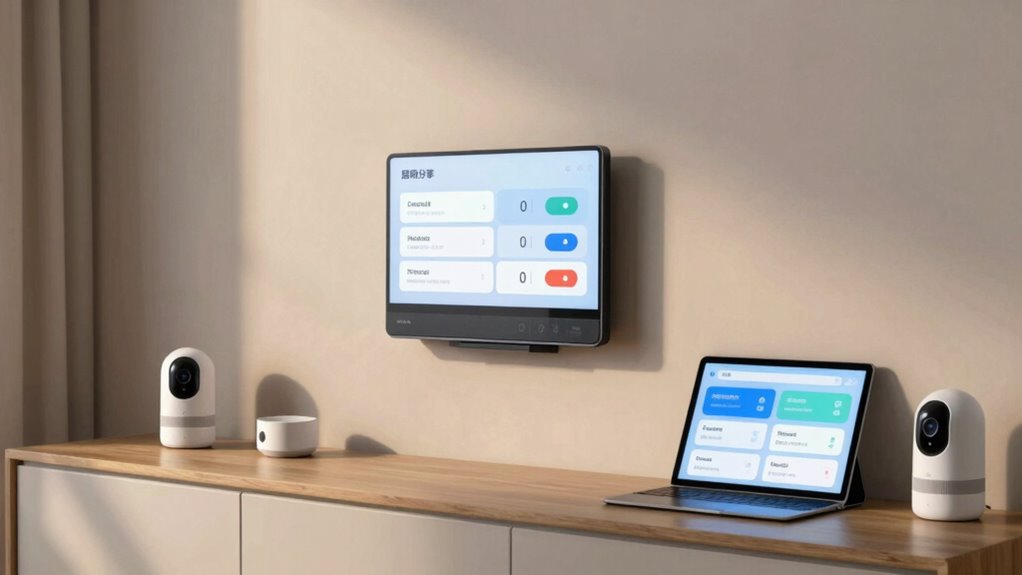
Smart homes are designed to make life easier, but when notifications flood your devices, they can quickly become overwhelming. You might find yourself constantly dismissing alerts or feeling distracted by the barrage of updates. To avoid notification overload, it’s vital to customize your alerts and prioritize what truly matters. Start by reviewing your device settings and turn off unnecessary notifications. Many smart home devices send updates for minor events—like a door opening or a light turning on—that might not require your immediate attention. By silencing these, you reduce distraction and keep focus on critical alerts.
One key aspect to contemplate is privacy concerns. You want to stay informed without exposing sensitive information through excessive notifications. For example, instead of receiving detailed alerts about who entered your home, opt for simple notifications like “Activity detected.” This way, you keep your privacy intact while staying aware of essential events. Additionally, be cautious when enabling notifications from third-party apps or devices, as they might share more data than necessary. Regularly review your notification permissions and disable those that aren’t essential to maintain a balance between awareness and privacy.
Device compatibility also plays a significant role in managing notifications. If your smart devices aren’t fully compatible, you might experience duplicate alerts or inconsistent behavior. For instance, a security camera from one brand might send alerts that conflict with alerts from your smart hub or alarm system. To avoid confusion, ensure your devices are compatible and properly integrated. Using a centralized platform or app can help streamline notifications, so you don’t receive overlapping messages from multiple sources. When setting up new devices, check their compatibility with your existing system to prevent unnecessary alerts and ensure seamless operation. Additionally, understanding the importance of integration can help you better manage your smart home alerts and avoid confusion. Incorporating smart home automation can further optimize notification management by automating responses and reducing unnecessary alerts. Properly configuring these systems can also help prevent notification fatigue, which occurs when alerts become too frequent or irrelevant.
Another effective strategy is to set specific notification schedules. Many devices let you customize when and how often you receive alerts. For example, you could choose to get security alerts only when you’re away or during certain hours. This prevents constant interruptions and helps you focus on what’s important at the right times. Grouping notifications or batching updates into daily summaries also reduces the constant pings and keeps your attention focused on more pressing matters. Additionally, understanding the role of device compatibility can ensure that your notification settings work harmoniously across all your smart home devices.
smart home notification management device
As an affiliate, we earn on qualifying purchases.
As an affiliate, we earn on qualifying purchases.
Frequently Asked Questions
Can Notification Settings Be Customized for Individual Family Members?
Yes, you can customize notification settings for individual family members. Many smart home systems allow you to set personalized alerts based on each person’s preferences and routines. You can create family-specific settings that control which notifications they receive, helping reduce overload and ensuring everyone stays informed about what’s important to them. This way, each family member gets relevant updates without unnecessary interruptions.
How Do I Prioritize Notifications From Different Smart Devices?
You should prioritize notifications using device grouping and alert filtering. Group similar devices so you receive alerts based on importance—like security cameras over kitchen appliances. Use alert filtering to set priority levels, guaranteeing critical alerts pop up immediately while less urgent ones are quieter. This approach helps you stay focused, prevents overload, and guarantees you don’t miss essential updates amid the noise.
Are There Any Apps to Manage All Smart Home Alerts Centrally?
Yes, there are apps that help you manage all smart home alerts centrally. They allow you to implement notification silencing and alert filtering, so you only get the alerts that matter most. Apps like IFTTT, Stringify, or proprietary platforms from smart device brands offer centralized control, letting you customize notifications. This way, you can reduce overload, stay informed on important events, and enjoy a more seamless smart home experience.
What Are the Best Practices for Testing Notification Settings?
Think of testing your notification settings like fine-tuning a musical instrument. Start with notification calibration by adjusting alert sensitivity to avoid false alarms. Use alert filtering to prioritize essential alerts and silence the rest. Test each setting by triggering specific events, ensuring you receive the right notifications at the right time. Regularly revisit and tweak these settings to keep your smart home harmonious and free from unnecessary disruptions.
How Can I Minimize False Alerts From Smart Sensors?
To minimize false alerts from smart sensors, you should regularly perform sensor calibration to guarantee accuracy. Adjust sensitivity settings to prevent minor changes from triggering alerts, and place sensors away from sources of interference like drafts or pets. Implement false alarm reduction techniques, such as setting specific activity zones or timing, so notifications only alert you to genuine issues. This way, you enjoy reliable alerts without unnecessary interruptions.
As an affiliate, we earn on qualifying purchases.
Conclusion
By customizing your notifications, you regain control over your smart home experience. Think of it like tuning a radio—removing static to hear the music clearly. When you evaluate what truly matters, you prevent overload and stay focused. It’s a simple but effective way to keep your smart home helpful, not distracting. So, take charge, set priorities, and enjoy a seamless, less overwhelming smart living environment. Your peace of mind depends on it.
smart home notification scheduling system
As an affiliate, we earn on qualifying purchases.
As an affiliate, we earn on qualifying purchases.
privacy-focused smart home alerts
As an affiliate, we earn on qualifying purchases.
As an affiliate, we earn on qualifying purchases.
Fall Picks
fall essentials
As an affiliate, we earn on qualifying purchases.