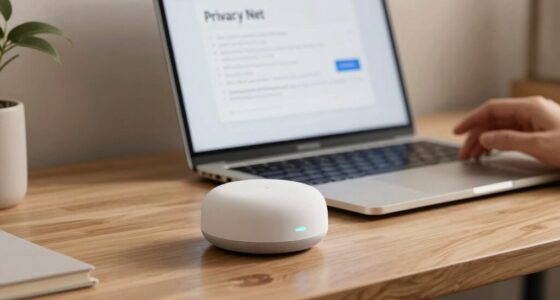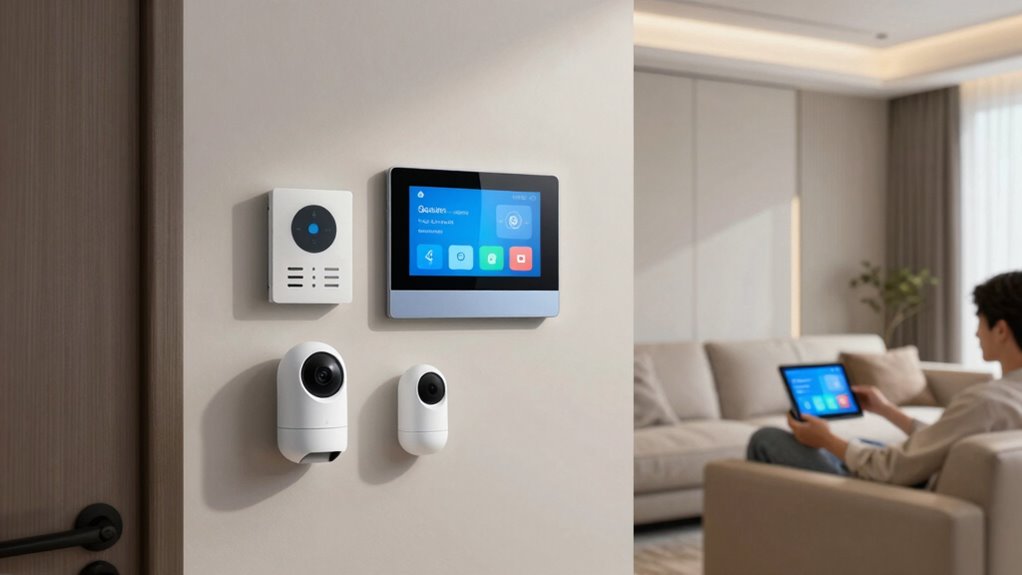

To avoid app overload as your smart home grows, focus on centralizing control through a compatible hub or platform like Google Home or Apple HomeKit. Use voice commands and device grouping to manage multiple devices at once, reducing the need to switch between apps. Automate routines for common tasks and keep your apps organized with folders or labels. As your system becomes more seamless and integrated, you’ll find managing your smart home much easier—stay tuned for more tips.

Get your next haul delivered free with Prime
- Fast, free delivery on millions of items
- Prime Video, Amazon Music and more included
- Member-only deals all year
Key Takeaways
- Use a centralized smart home platform supporting multiple brands for unified device management.
- Implement device grouping and scene creation to control multiple devices with single commands.
- Automate routines and routines to minimize manual app interactions and streamline daily tasks.
- Organize apps with folders or labels to quickly locate and manage devices efficiently.
- Rely on voice control for effortless, hands-free operation of multiple devices simultaneously.
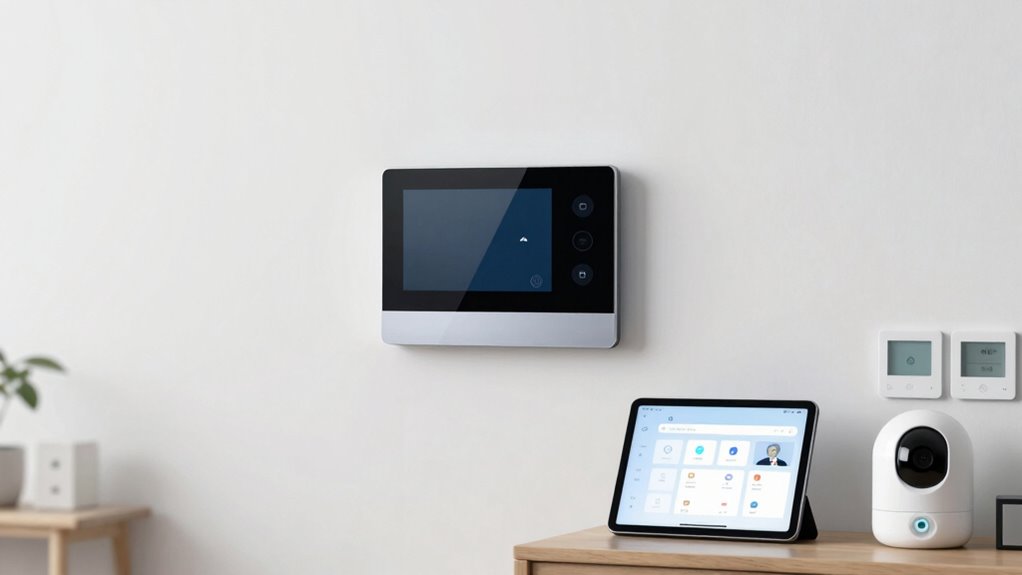
As your smart home expands, managing multiple apps can quickly become overwhelming. You might find yourself juggling different platforms for lighting, thermostats, security cameras, and entertainment systems, which can lead to frustration and inefficiency. To streamline your experience, consider leveraging voice control and device grouping. Voice control allows you to command various devices with simple spoken commands, reducing the need to open multiple apps. Instead of navigating through menus, you can say, “Turn on the living room lights,” or “Set the thermostat to 72 degrees,” making your interactions more natural and effortless. This not only saves time but also minimizes the mental load of managing a growing array of devices. Incorporating smart platform integration can further simplify management by unifying control across different devices and brands. Additionally, choosing compatible devices ensures smoother operation and fewer technical issues, making daily control more straightforward.
Managing multiple smart home apps can be overwhelming; simplify with voice control and device grouping for easier management.
Device grouping is another powerful strategy to keep your smart home organized and manageable. By grouping similar devices, you can control multiple items simultaneously with a single command. For example, you might create a group called “Movie Night” that includes your smart lights, sound system, and TV. When you want to activate the scene, you simply say, “Activate Movie Night,” and all the related devices respond together. This approach reduces the need to control each device individually and keeps your control interface simple. Many smart home platforms support device grouping, so explore your system’s capabilities to set up these groups efficiently. Additionally, device compatibility is key to ensuring seamless operation across your devices, so choosing compatible products can prevent potential frustrations. Remember, a well-integrated system can significantly reduce the complexity of managing multiple devices.
To avoid app overload, integrate your smart home ecosystem as much as possible. Choose a central hub or platform that supports multiple device brands and technologies, such as Apple HomeKit, Google Home, or Amazon Alexa. These platforms often support voice control and device grouping, enabling you to manage everything from one app or voice command. Regularly update your devices and app firmware to ensure compatibility and access to new features that can simplify your control processes. Also, maintaining a clear organization within your apps, such as creating folders or labels, can help you quickly locate and manage devices. Additionally, set routines and automation to minimize manual control. Automate routine actions like turning off lights at bedtime or adjusting the thermostat when you leave the house. These automations work seamlessly in the background, reducing the need for constant app interaction. When you combine voice control, device grouping, and automation, your smart home becomes a more integrated, intuitive space that’s easier to manage as it grows.
smart home hub compatible with multiple devices
As an affiliate, we earn on qualifying purchases.
As an affiliate, we earn on qualifying purchases.
Frequently Asked Questions
Can I Integrate Multiple Smart Home Ecosystems Seamlessly?
Yes, you can seamlessly integrate multiple smart home ecosystems by focusing on ecosystem compatibility and device integration. Choose platforms that support common standards like Zigbee, Z-Wave, or Matter, which facilitate interoperability. Use a central hub or a universal app that consolidates device controls, reducing app overload. Regularly update firmware and apps to guarantee smooth integration, and consider using automation routines to streamline device management across different ecosystems effectively.
What Are the Signs of App Overload in My Smart Home?
A stitch in time saves nine—if you notice device fragmentation and user confusion, you’re likely experiencing app overload. You might find it hard to manage multiple apps, or become confused about device controls. These signs indicate your smart home ecosystem is becoming overwhelming. To avoid further issues, streamline your apps and prioritize integrated solutions, making device management more intuitive and reducing the risk of user frustration.
How Often Should I Update My Smart Home Apps?
You should update your smart home apps regularly, ideally once a month, to guarantee peak performance and security. Keep an eye on app update frequency notifications, but don’t let constant alerts overwhelm you—manage notifications wisely. Regular updates fix bugs and add features, reducing overload risks. By staying on top of updates and managing notifications carefully, you’ll keep your smart home running smoothly without feeling overwhelmed by app overload.
Are There Security Risks With Managing Many Smart Home Apps?
You’re opening a can of worms if you don’t prioritize app security and user privacy in your growing smart home. Managing many apps can increase risks like data breaches or unauthorized access. To stay safe, make certain each app has strong, unique passwords, enable two-factor authentication, and keep your software updated. Regularly review app permissions and only use trusted sources, so you keep your smart home secure while enjoying its convenience.
What’s the Best Way to Organize Smart Home App Notifications?
To organize your smart home app notifications effectively, focus on notification prioritization and app customization. Set priority levels for alerts, so you only get critical updates instantly. Customize each app’s notification settings to filter out less important alerts, reducing overload. Use a centralized notification hub or app, if available, to streamline alerts. This way, you stay informed without feeling overwhelmed, ensuring you respond promptly to the most important smart home events.
voice control smart home devices
As an affiliate, we earn on qualifying purchases.
As an affiliate, we earn on qualifying purchases.
Conclusion
As your smart home expands, think of your apps as a bustling city. Without careful planning, traffic jams can slow you down. But with smart organization—like dedicated control hubs and streamlined interfaces—you keep everything moving smoothly. Imagine a well-orchestrated symphony, where each instrument plays in harmony. By managing your apps wisely, you prevent overload and enjoy a seamless, efficient smart home experience—like a city thriving in perfect, effortless rhythm.
As an affiliate, we earn on qualifying purchases.
As an affiliate, we earn on qualifying purchases.
Halloween Picks
halloween
As an affiliate, we earn on qualifying purchases.