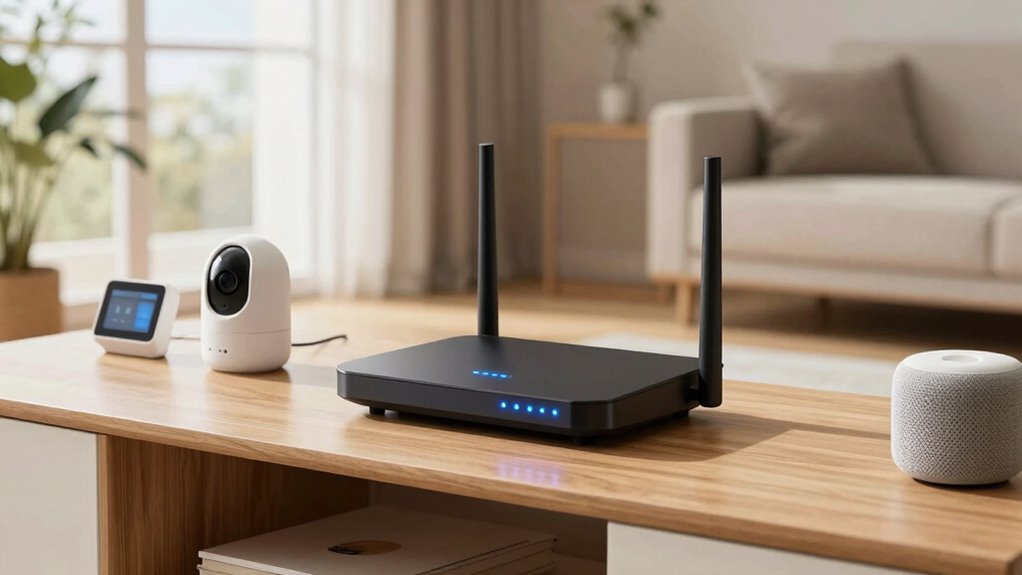

To boost your smart home reliability, focus on updating your router’s firmware regularly and enabling robust security settings like WPA3 encryption. Keeping firmware current guarantees bug fixes and performance improvements, while strong security prevents unauthorized access that could disrupt your devices. Combining these updates with optimized network settings creates a more stable and secure environment for your smart devices. Stay tuned to discover more simple ways to enhance your smart home experience.
Key Takeaways
- Enable dual-band or tri-band Wi-Fi to segregate traffic and reduce congestion.
- Keep router firmware up to date for security, bug fixes, and performance improvements.
- Optimize channel selection by choosing less congested Wi-Fi channels to prevent interference.
- Implement a mesh network setup to ensure seamless coverage and eliminate dead zones.
- Use QoS settings to prioritize bandwidth for critical smart home devices, ensuring stability.
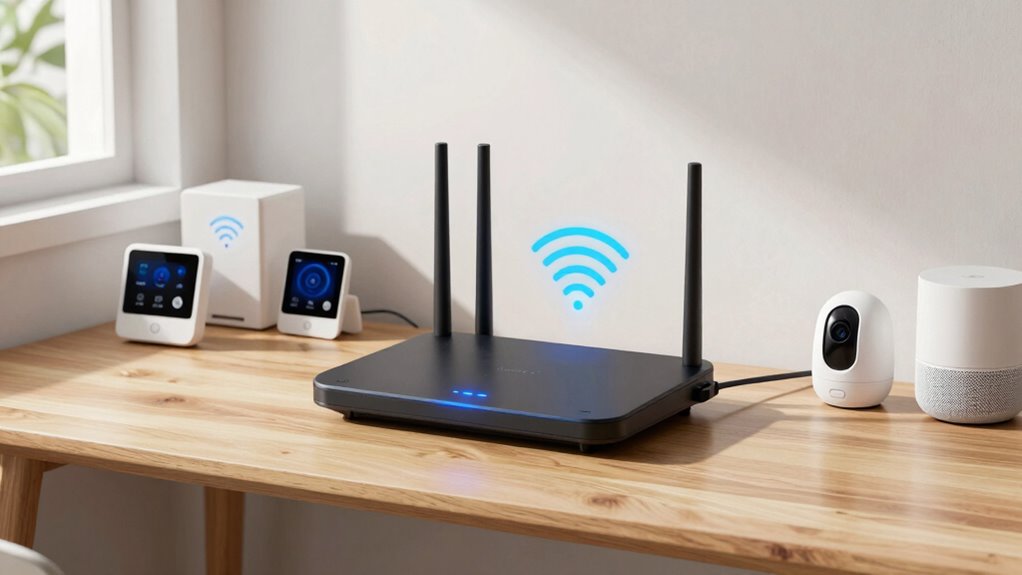
A reliable Wi-Fi connection is crucial for seamless smart home performance, and the right router settings can make a noteworthy difference. One of the most effective adjustments you can make is confirming your router supports and is configured for mesh networks. Mesh networks are designed to blanket your entire home with consistent, strong Wi-Fi signals by using multiple nodes that communicate seamlessly. If your router isn’t set up as part of a mesh system, you might experience dead zones or intermittent connections, especially as your smart devices proliferate. Upgrading to a mesh-capable router or adding mesh nodes can dramatically improve coverage and reliability. Once set up, confirm that your router’s firmware is current. Firmware updates often include security patches, bug fixes, and performance enhancements that can resolve known issues affecting connectivity stability. Regularly checking for and applying these updates keeps your network optimized and secure, preventing potential disruptions that could impact your smart home devices.
Beyond hardware considerations, the specific settings within your router play a crucial role. Enable features like dual-band or tri-band Wi-Fi to segregate traffic, reducing congestion on individual bands and improving overall performance. Assign your smart devices to the 5 GHz band if possible, as it typically offers higher speeds and less interference compared to the 2.4 GHz band. However, keep in mind that some devices may only support 2.4 GHz, so balancing band usage is key. Another critical setting is QoS (Quality of Service), which allows you to prioritize bandwidth for smart home devices that need constant, reliable connections—like security cameras or smart locks—over less critical traffic like streaming or downloads. Configuring QoS guarantees your essential devices stay responsive even when your network gets busy. Additionally, understanding the importance of wireless standards can help you select the best settings for your network’s performance and compatibility. Consider disabling features that could interfere with your smart devices, such as unnecessary guest networks or unused Wi-Fi channels. Setting your router to operate on less congested channels, especially in crowded neighborhoods, can notably reduce interference. Make sure your router’s security settings are robust, using WPA3 encryption if available, to prevent unauthorized access that could compromise your network’s stability.

TP-Link AX1800 WiFi 6 Router (Archer AX21 V5) – Dual Band Wireless Internet, Gigabit, Easy Mesh, Works with Alexa – A Certified for Humans Device, Free Expert Support
DUAL-BAND WIFI 6 ROUTER: Wi-Fi 6(802.11ax) technology achieves faster speeds, greater capacity and reduced network congestion compared to…
As an affiliate, we earn on qualifying purchases.
As an affiliate, we earn on qualifying purchases.
Frequently Asked Questions
Can Changing Router Settings Improve Security for Smart Home Devices?
Yes, changing router settings can improve your smart home device security. Enable strong network encryption like WPA3 to protect data from hackers. Additionally, you should set up device isolation, which keeps your smart devices separated from your main network, preventing potential breaches from spreading. These adjustments help safeguard your smart home, making it more secure and less vulnerable to cyber threats.
How Often Should I Update My Router Firmware for Optimal Performance?
An ounce of prevention is worth a pound of cure. You should update your router firmware at least once a month to guarantee peak performance and router security. Regular firmware updates fix bugs, improve stability, and patch vulnerabilities that could compromise your smart home devices. Staying proactive helps keep your network running smoothly and securely, so make it a habit to check for updates regularly and install them promptly.
Are There Specific Router Settings for Different Smart Home Devices?
You should adjust your router settings based on your smart home devices’ compatibility and potential signal interference. Enable Quality of Service (QoS) to prioritize bandwidth for specific devices, ensuring smooth performance. Use separate networks or SSIDs for different devices to reduce interference and improve reliability. Regularly update firmware to maintain security and compatibility. These adjustments help optimize your smart home network, making all devices work seamlessly and reducing connection issues.
Does Router Placement Impact the Effectiveness of the Setting?
Yes, router placement considerably impacts the effectiveness of your settings. If your router is placed near Wi-Fi interference sources like thick walls or other electronics, it weakens signal strength and reduces smart device reliability. To optimize performance, position your router in a central, open spot, away from interference, so your settings can maximize signal strength and improve overall smart home connectivity.
Can I Apply This Setting to All Types of Routers?
You can’t apply this setting to all routers without verifying firmware compatibility and wireless standards. Some routers may not support the necessary firmware updates or the latest wireless standards like Wi-Fi 6 or 5. To ensure compatibility, review your router’s specifications and update its firmware if needed. If your router doesn’t support these standards, the setting might not work, so consider upgrading your device for better smart home reliability.

TP-Link AXE5400 Tri-Band WiFi 6E Router (Archer AXE75), 2025 PCMag Editors' Choice, Gigabit Internet for Gaming & Streaming, New 6GHz Band, 160MHz, OneMesh, Quad-Core CPU, VPN & WPA3 Security
Tri-Band WiFi 6E Router – Up to 5400 Mbps WiFi for faster browsing, streaming, gaming and downloading, all…
As an affiliate, we earn on qualifying purchases.
As an affiliate, we earn on qualifying purchases.
Conclusion
By adjusting this one router setting, you enhance your smart home’s reliability, reduce your frustration, and improve your connection. You experience fewer dropouts, enjoy smoother streaming, and enjoy seamless device interactions. You take control, increase stability, and create a smarter, more dependable home environment. So, take action today—adjust that setting, boost your network, and enjoy the peace of mind that comes with a more reliable smart home.

ASUS RT-AX3000 Ultra-Fast Dual Band Gigabit Wireless Router – Next Gen WiFi 6, Adaptive QoS, and AiProtection by Trend Micro | 1x WAN, 4X 1G LAN, 1x USB 3.0 – AiMesh Compatible
Maximum Range : 3000 Sq Ft.Power Supply: AC Input : 110V~240V(50~60Hz). DC Output : 19 V with max….
As an affiliate, we earn on qualifying purchases.
As an affiliate, we earn on qualifying purchases.
TP-Link AXE5400 Tri-Band WiFi 6E Router (Archer AXE75), 2025 PCMag Editors' Choice, Gigabit Internet for Gaming & Streaming, New 6GHz Band, 160MHz, OneMesh, Quad-Core CPU, VPN & WPA3 Security
Tri-Band WiFi 6E Router – Up to 5400 Mbps WiFi for faster browsing, streaming, gaming and downloading, all…
As an affiliate, we earn on qualifying purchases.
As an affiliate, we earn on qualifying purchases.