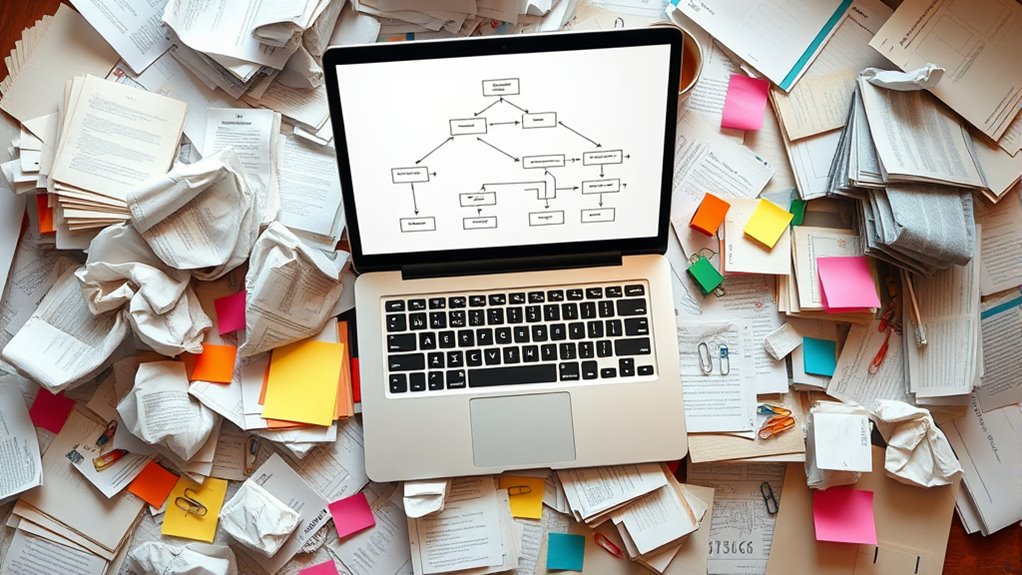

To manage paper clutter effectively, establish a simple capture and process flow. When papers arrive, decide right away whether to scan, file, or discard. Use designated trays or folders for quick sorting into categories like bills, reference, or trash. Regularly process these items by organizing digital files or filing physical documents properly. Consistently review and update your system to keep clutter at bay. Keep exploring to learn more tips for creating a peaceful, organized space.

Get your next haul delivered free — and shop member deals
- Fast, free delivery on millions of items
- Access to Prime Big Deal Days deals on October 6–7
- Prime Video, Amazon Music and more included
Key Takeaways
- Establish designated zones or trays for incoming papers to quickly decide whether to scan or file.
- Use clear categories and labels for digital folders and physical storage to simplify retrieval.
- Implement a routine to process and sort papers immediately, prioritizing urgent items.
- Regularly review, shred, or archive outdated documents to maintain an organized system.
- Digitize infrequent-use documents and back up files regularly to reduce clutter and prevent data loss.
Paper clutter can quickly take over your space, making it hard to find important documents and creating a constant source of stress. To combat this, you need a clear process for capturing and processing your papers. The first step is establishing an effective system for digital organization and a reliable filing system. When you develop a digital organization plan, you create a centralized place to store scanned copies or digital versions of important documents, reducing the need to keep physical copies everywhere. This not only declutters your space but also makes retrieval faster and easier. Your filing systems should be intuitive, with clearly labeled folders that reflect your needs—think categories like bills, medical records, warranties, and work documents. When a paper arrives, decide immediately whether you’ll scan it or file it physically. Digitizing documents through scanning can considerably reduce paper clutter, especially for items you rarely need in hard copy. Use a quality scanner or your mobile device to create clear, searchable PDFs, then organize these files into your digital folders. For physical documents that require immediate attention or are important long-term, set up designated inboxes or trays where papers can temporarily reside. This prevents piles from forming on your desk or countertops. Once you’ve captured the paper—either digitally or physically—the next step is processing. This involves sorting each item into categories: action needed, reference, discard, or archive. For instance, bills that need payment today go into your action folder, while receipts for warranty purposes are filed in the appropriate category. Regularly reviewing your digital and physical files ensures everything stays current, and unnecessary items are discarded or shredded. Using a consistent process for processing papers keeps your system functional and prevents backlog. When you process your papers, always ask yourself if it’s something you need to keep, and if so, for how long. Digitally stored documents should be backed up regularly to prevent data loss, and physical files should be organized in labeled folders or binders. Establishing routines—such as processing incoming papers daily or weekly—helps you stay on top of clutter before it becomes overwhelming. Implementing a dedicated storage solution ensures your files are secure and easily accessible. Remember, the goal is to streamline your workflow, making it easier to find what you need when you need it. A well-structured digital organization combined with an efficient filing system transforms what once felt chaotic into a manageable, even satisfying, process. By capturing every paper promptly and processing it systematically, you regain control of your space and reduce stress, creating a more organized, peaceful environment.
document scanner for home office
As an affiliate, we earn on qualifying purchases.
As an affiliate, we earn on qualifying purchases.
Frequently Asked Questions
How Do I Start Decluttering My Paper Piles Effectively?
To start decluttering your paper piles effectively, adopt an organizing strategy that categorizes documents into keep, shred, or file. Develop a decluttering mindset by setting small, achievable goals, avoiding overwhelm. Gather a box or tray for immediate sorting, and work systematically through each pile. Regularly maintain your system, and stay disciplined. This approach helps you regain control and keeps your space tidy and manageable over time.
What Are the Best Tools for Capturing Paper Documents?
You should use scanning apps like Adobe Scan or CamScanner to quickly digitize your documents on your phone. Pair these with a good document organizer, such as Evernote or OneNote, to keep everything sorted. These tools make capturing paper documents easy and efficient, helping you reduce clutter and stay organized. Just scan, categorize, and store your documents digitally for quick access anytime you need them.
How Can I Prevent Paper Clutter From Reaccumulating?
To prevent paper clutter from reaccumulating, you should implement effective storage solutions like labeled folders or filing cabinets to organize documents. Make routine audits a habit by regularly reviewing and discarding unnecessary papers. Keep only essential items, and establish a designated spot for incoming papers. This proactive approach guarantees your space stays tidy and clutter-free, saving you time and reducing stress.
What Digital Options Exist for Processing Paper Documents?
You can use digital scanning to convert paper documents into electronic files, making them easy to organize and access. Cloud storage solutions like Google Drive or Dropbox let you securely store and share these files online. These digital options help prevent paper clutter from reaccumulating by enabling you to manage and retrieve documents digitally, reducing physical paper handling and creating a streamlined, clutter-free environment.
How Long Should I Keep Different Types of Paper Records?
Oh, because everyone loves playing the paper retention game, right? Generally, keep tax records for at least seven years, while receipts and bills can be tossed after a year if everything matches your statements. For legal documents, hold onto them indefinitely. Remember, proper document retention helps you avoid trouble, so when the time’s up, don’t hesitate—securely dispose of paper documents to prevent identity theft.
As an affiliate, we earn on qualifying purchases.
Conclusion
Imagine your cluttered desk transforming into a sleek, organized space where every paper finds its perfect home. By capturing and processing your documents efficiently, you clear the chaos and invite clarity. Feel the weight lift from your shoulders as digital files replace stacks of paper, turning chaos into calm. With each step, you create a seamless flow, turning paper clutter into a distant memory. Embrace this transformation and enjoy the peace that comes with organized clarity.
As an affiliate, we earn on qualifying purchases.
As an affiliate, we earn on qualifying purchases.
Halloween Picks
halloween
As an affiliate, we earn on qualifying purchases.