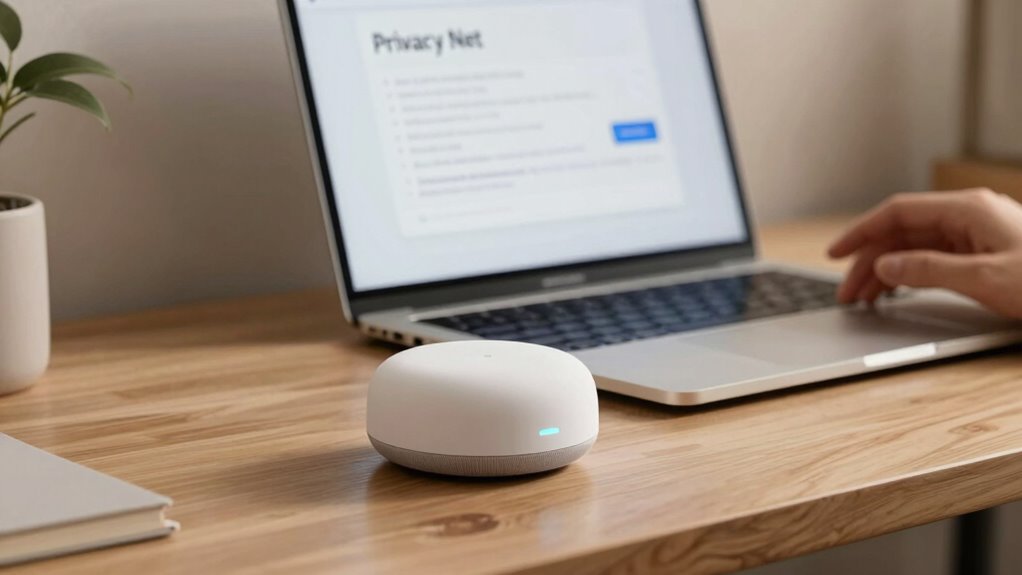

To protect your privacy, review your voice assistant settings today. Check if you can delete existing recordings, limit what data is stored, or disable voice recording features altogether. Turn off voice activation if you don’t need it and confirm your microphone is muted when not in use. Regularly updating these controls helps prevent unintended conversations from being recorded. Keep exploring your options to stay in control of your voice data—there’s more you can do to stay safe.
Key Takeaways
- Review and delete your voice recordings regularly to control stored data.
- Disable voice activation or microphone access when not in use to prevent accidental recordings.
- Check privacy settings to limit data collection and sharing with third parties.
- Understand how your voice data is stored and used by reading privacy policies.
- Use available controls to restrict or turn off voice data collection for enhanced privacy.
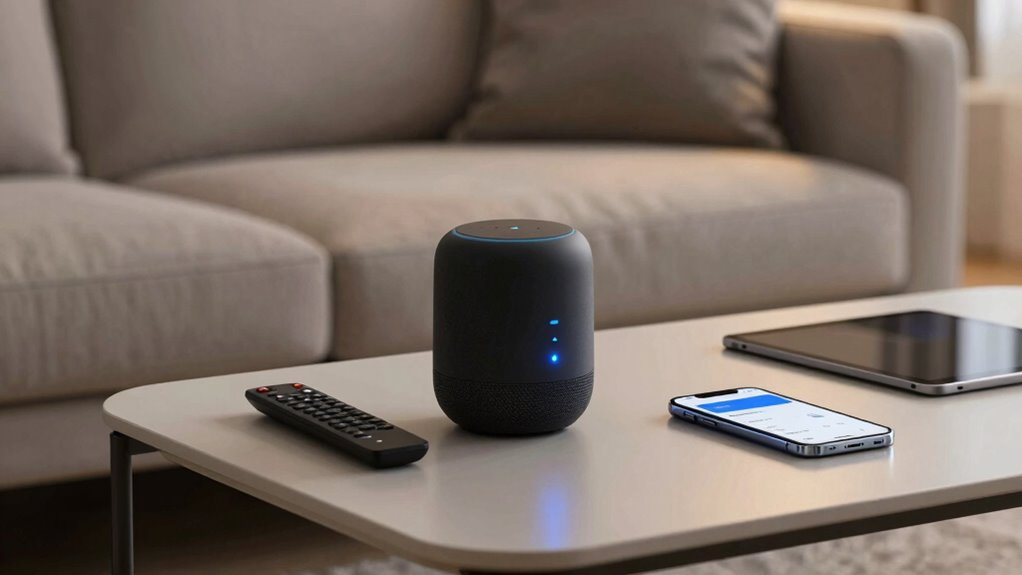
Have you ever wondered what happens to your voice recordings when you use a voice assistant? The truth is, every time you speak, your voice data gets sent to servers operated by companies like Amazon, Google, or Apple. These companies process your voice commands to provide responses, but they also store and analyze your voice data to improve their services. This process often happens behind the scenes, and it can feel like your privacy is on autopilot. Luckily, you have some user control over this data, and by adjusting your settings, you can manage what is stored and how it’s used.
Most voice assistants offer privacy controls that you might not be aware of. These controls let you review and delete voice recordings, limit what data is stored, or even turn off voice recording features entirely. For example, many platforms allow you to access a history of your voice interactions. By browsing to the privacy or activity settings, you can review and delete specific recordings, ensuring that your voice data isn’t stored longer than you’re comfortable with. This gives you a much-needed sense of control over your personal information.
Additionally, you should check if your device or voice assistant platform offers options to disable voice recording altogether. Turning off voice activation or muting the microphone when you’re not using your device can prevent your voice data from being captured unintentionally. Some services also let you opt out of certain data collection practices, which means your voice data won’t be used for targeted advertising or shared with third parties. These settings empower you to decide how much of your voice data is collected and used, giving you greater user control over your privacy.
It’s also wise to review the privacy policies of your voice assistant provider periodically. These policies explain how your voice data is collected, stored, and shared. Knowing what’s happening behind the scenes helps you make informed decisions about what settings to enable or disable. Many companies now provide clear options to limit data collection or delete stored voice recordings at any time, so take advantage of these tools. Regularly managing your voice data settings is a key step in safeguarding your privacy.
In short, you don’t have to accept a one-size-fits-all approach when it comes to voice data. Many voice assistants give you the power to control your data actively. By checking your device’s privacy settings today, you can decide whether to clear past recordings, limit data collection, or disable voice recording features altogether. Taking these steps ensures you’re actively protecting your privacy and maintaining control over your personal voice data.
Frequently Asked Questions
Can I Completely Disable Voice Recordings on My Device?
Yes, you can completely disable voice recordings on your device. To do this, access your voice assistant’s privacy settings options and turn off voice recording management. This prevents your device from saving or processing your voice data. Regularly checking these privacy settings options guarantees your recordings stay private, giving you more control over your data and peace of mind. Always review updates, as features may change over time.
How Secure Are Voice Assistant Data Storage Methods?
Voice assistant data storage methods are generally secure, but privacy concerns remain. Companies often use data encryption to protect your voice recordings and personal info from unauthorized access. However, no system is completely foolproof, so it’s smart to review privacy settings regularly. You can also minimize risks by disabling voice recordings or limiting data sharing, ensuring your sensitive information stays protected while still enjoying the convenience.
Are Voice Assistants Vulnerable to Hacking or Unauthorized Access?
Sure, your voice assistant is practically invulnerable—except when it’s not. While most devices have robust security, privacy concerns remain, and device vulnerabilities can be exploited by hackers. You might think your smart speaker is safe, but sophisticated attacks could grant unauthorized access. To stay protected, regularly update software, check security settings, and be cautious about what commands you give. After all, no device is completely immune to hacking.
What Third-Party Apps Have Access to My Voice Data?
You can verify which third-party apps have access to your voice data through your voice assistant’s app settings. Review the third-party permissions to see if any apps have permission for voice data sharing. Revoke access for any unfamiliar or unnecessary apps to protect your privacy. Regularly monitoring these permissions helps ensure you control who can listen to and store your voice data, reducing privacy risks.
How Do I Delete My Voice History Permanently?
To delete your voice history permanently, you need to access your voice data management and privacy settings. First, open your device’s app or web portal, find the voice activity or history section, and select the option to delete or manage your data. Confirm your choice to guarantee your voice data is erased from servers. Regularly reviewing these settings helps protect your privacy and keeps your voice data under your control.
Conclusion
Remember, honesty is the best policy when it comes to your privacy. Take a moment today to review your voice assistant settings and make sure your personal data stays protected. Don’t wait until it’s too late—staying proactive keeps you in control. Think of your privacy like a garden; regular tending prevents weeds of vulnerability from taking over. By being vigilant now, you’re safeguarding your digital life for the future.