
You can start your smart home easily by adding affordable, compatible devices to your existing setup. Begin with a smart thermostat to optimize your climate and save energy. Use smart plugs to control lamps and appliances remotely. Schedule devices to run during off-peak hours for extra savings. Incorporate sensors for security and environmental monitoring. Your Wi-Fi network can support these upgrades without rewiring. Keep exploring to discover how simple upgrades can create a more secure, efficient, and convenient home.

Get your next haul delivered free — and shop member deals
- Fast, free delivery on millions of items
- Access to Prime Big Deal Days deals on October 6–7
- Prime Video, Amazon Music and more included
Key Takeaways
- Begin with small upgrades like smart thermostats and plugs to enhance automation without major rewiring.
- Use existing Wi-Fi networks to add compatible smart devices gradually.
- Focus on key areas such as security, lighting, and climate control for impactful improvements.
- Choose devices compatible with your current voice assistants to ensure seamless integration.
- Expand your system over time by incorporating sensors and additional automation features.
Ever wondered how to make your home smarter without tearing everything apart? You don’t have to replace every device or overhaul your entire setup to enjoy the benefits of a smart home. Starting small can still bring significant improvements in energy efficiency and security enhancement. The key is to identify existing devices and systems you can upgrade or connect with smart technology rather than discard altogether. For example, if you already have a good heating or cooling system, consider adding a smart thermostat. It’s a simple upgrade that saves energy by optimizing temperature control and can be controlled remotely, giving you more control over your energy consumption. This way, you’re not only reducing utility bills but also contributing to a more sustainable environment.
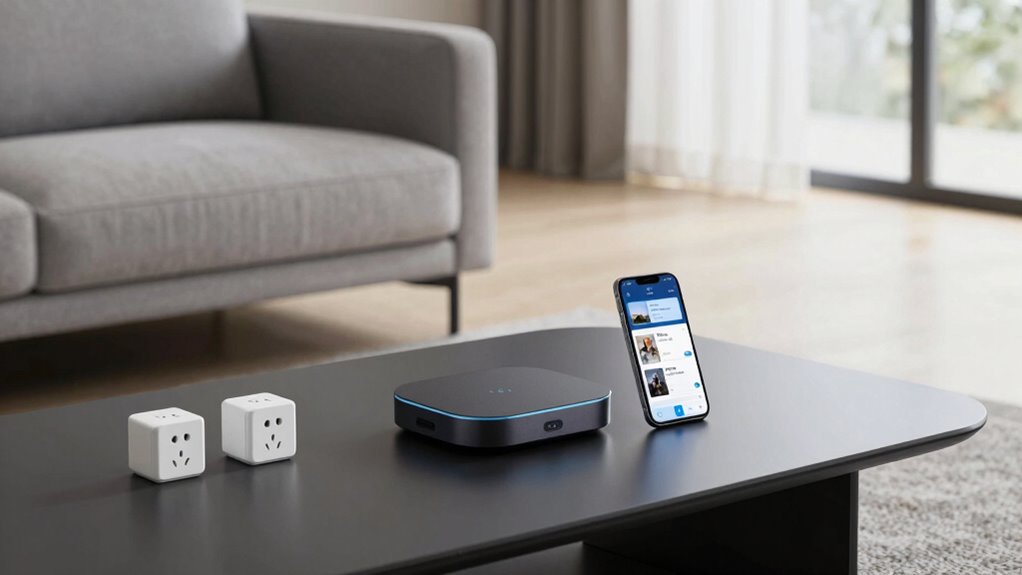
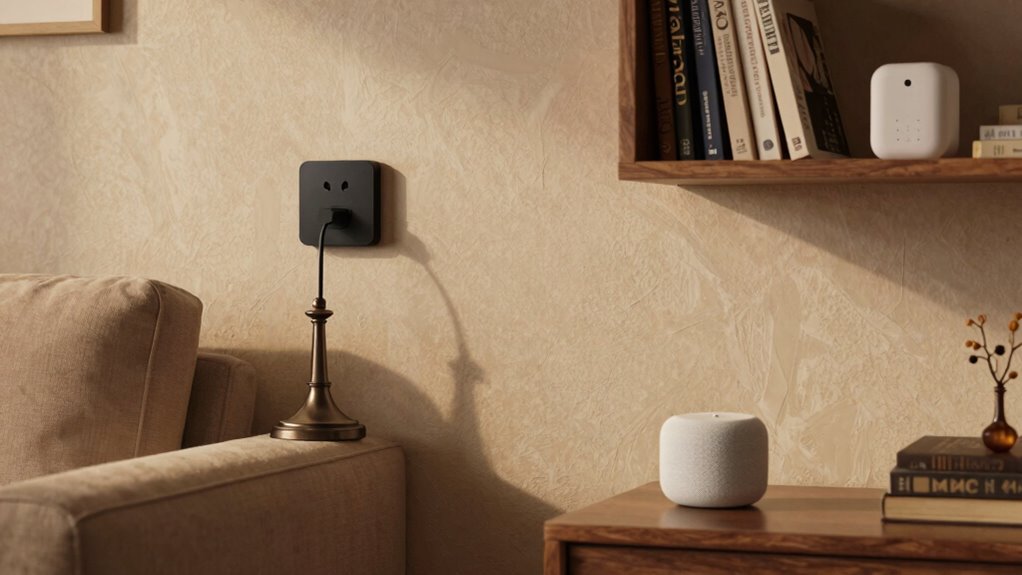
Similarly, if your home already has Wi-Fi coverage, you can introduce smart plugs or outlets. These devices allow you to control lamps, appliances, or electronics with your smartphone or voice commands, making your home more convenient and energy-efficient. You can schedule lights to turn off when not in use or set devices to operate during off-peak hours, reducing unnecessary energy waste. These small adjustments don’t require rewiring or major installations, making them a cost-effective way to begin your smart home journey. Incorporating smart home devices into your existing setup can significantly boost your home’s functionality without the need for a complete overhaul. Additionally, choosing compatible devices ensures that your system remains cohesive and easier to manage over time.
Integration is another essential aspect. Look for devices compatible with your preferred voice assistant or smart home platform. This guarantees seamless operation and simplifies control through a single app or voice command. Over time, you can expand your system by adding smart sensors for motion, door/window status, or environmental conditions like humidity or air quality. These sensors improve security and help optimize energy use by alerting you to unusual activity or when to ventilate a room. Being aware of smart home ecosystems can help you select devices that work well together and avoid compatibility issues. Furthermore, understanding interoperability standards can ensure future compatibility as you expand your smart home system. Exploring integration options early can help you plan a cohesive setup that grows with your needs.
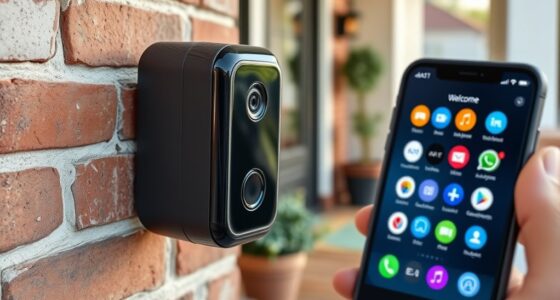
Starting small with upgrades like smart thermostats, plugs, locks, and cameras allows you to enjoy the benefits of a smarter, more energy-efficient, and secure home without the chaos of a full renovation. Each step builds on your existing setup, making your transition smooth, affordable, and effective.
smart thermostat compatible with Alexa
As an affiliate, we earn on qualifying purchases.
As an affiliate, we earn on qualifying purchases.
Frequently Asked Questions
Can I Integrate Existing Smart Devices With New Systems Easily?
Yes, you can often integrate existing smart devices with new systems easily. Check the device compatibility first, ensuring your current devices work with the new hub or platform. Many systems support popular protocols like Zigbee or Z-Wave, making system integration smoother. Use dedicated apps or compatibility tools to connect your devices seamlessly. This approach lets you expand your smart home without replacing everything, saving time and money.
What Are the Best Budget-Friendly Options for a Smart Home Setup?
Imagine transforming your home into a futuristic haven with just a few dollars—sounds impossible, right? You can achieve this by opting for budget-friendly smart lighting and voice assistants like Alexa or Google Assistant. These devices are affordable, easy to install, and compatible with many existing gadgets. They instantly upgrade your space, allowing you to control lights or ask questions hands-free, making your home smarter without breaking the bank.
How Do I Ensure My Smart Home Devices Are Secure?
To keep your smart home devices secure, you should enable data encryption whenever possible to protect your information. Regularly updating firmware is essential, as it patches security vulnerabilities and improves device performance. Additionally, use strong, unique passwords for each device and your Wi-Fi network. Avoid connecting unnecessary devices, and review privacy settings. These steps help safeguard your smart home against potential cyber threats effectively.
Do I Need a Central Hub to Connect All Devices?
You don’t need a central hub; it’s like trying to catch lightning in a bottle! Most smart home devices, especially voice assistants and automation routines, connect directly via Wi-Fi or Bluetooth. Smart devices often work seamlessly through apps or voice commands, making a hub optional. However, a hub can simplify management if you have many devices, providing a centralized control point for smoother automation and integration.
How Can I Control Multiple Brands With One App?
You can control multiple brands with one app by choosing a smart home platform compatible with various devices, like Google Home or Amazon Alexa. Link your devices through their app, then use voice assistants to manage them easily. Set up automation routines for seamless control, so your lights, thermostats, and other gadgets work together effortlessly. This way, you avoid juggling multiple apps and create a unified smart home experience.
As an affiliate, we earn on qualifying purchases.
Conclusion
Starting your smart home is like planting a single seed that grows into a lush, interconnected garden. You don’t need to uproot everything to enjoy the benefits—just dip your toes in with a few devices and watch your home flourish. With patience and the right choices, you’ll build a smarter, more convenient space one step at a time, transforming your house into a seamless ecosystem where technology and comfort grow side by side.
As an affiliate, we earn on qualifying purchases.
As an affiliate, we earn on qualifying purchases.
Fall Picks
fall essentials
As an affiliate, we earn on qualifying purchases.