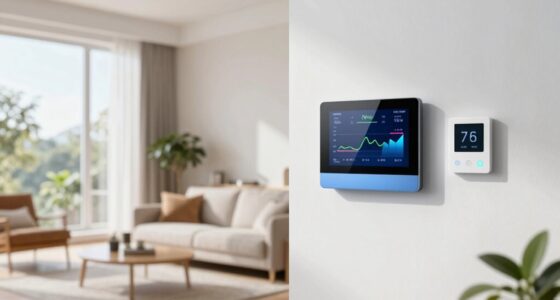

To guarantee your smart lock remains secure, use strong, unique passwords and enable two-factor authentication. Regularly update the device firmware and choose models with robust encryption and biometric options. Manage access carefully by creating temporary keys for guests and revoking them when no longer needed. Secure your Wi-Fi network with a strong password and consider using VPNs for remote access. Staying informed on best practices helps you maximize your smart lock’s security—keep exploring to discover more ways to protect your home.
Key Takeaways
- Choose locks with strong encryption, biometric options, and regular firmware updates for enhanced security.
- Manage access carefully by creating temporary or scheduled keys and revoking access when needed.
- Secure your Wi-Fi network with strong passwords and enable two-factor authentication for remote control.
- Enable activity alerts to monitor lock status and entry logs for increased oversight.
- Keep firmware and app software up to date to patch vulnerabilities and incorporate the latest security features.
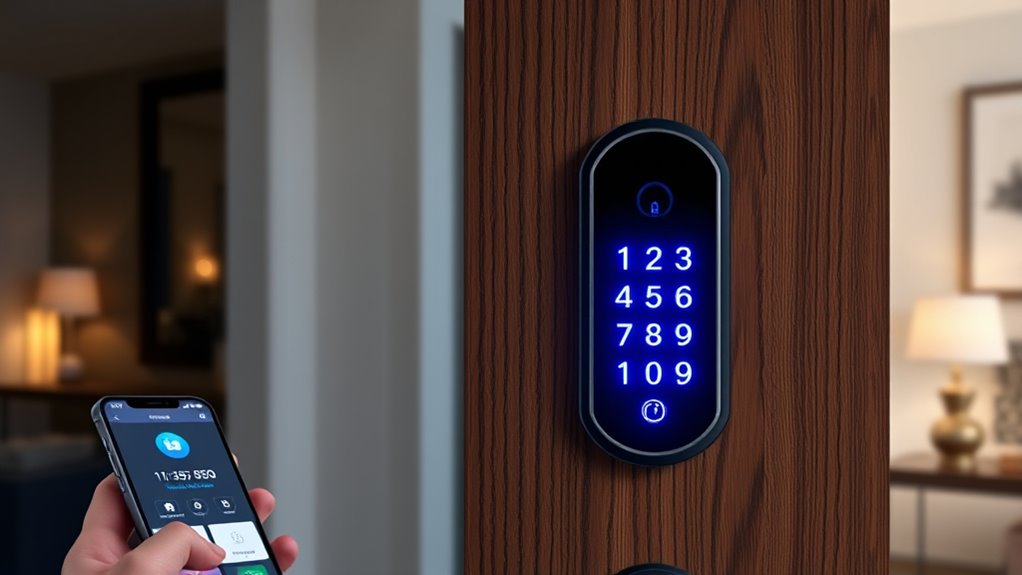
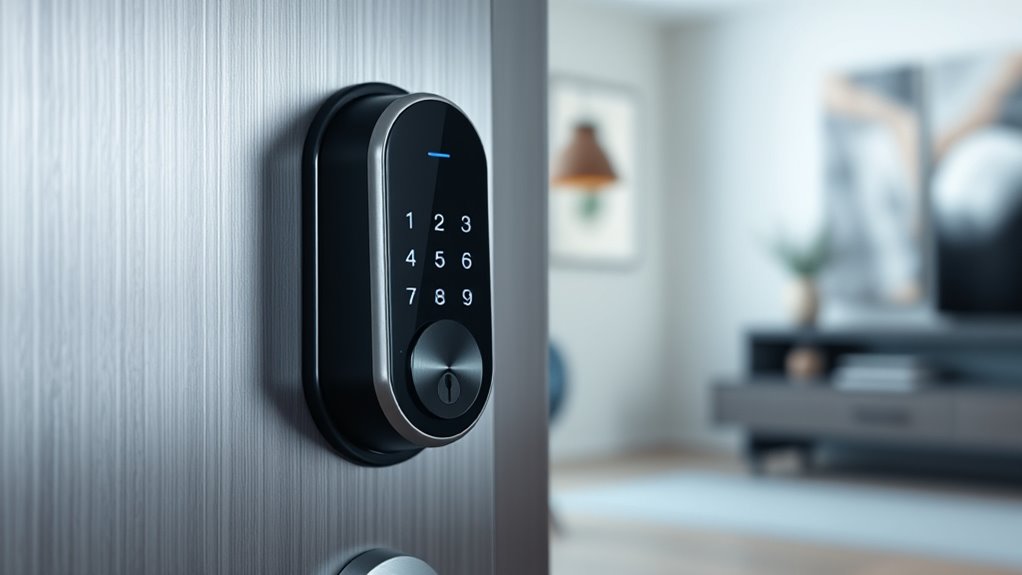
Have you ever wondered how smart locks can change the way you secure your home? With the advent of keyless entry systems, you no longer need to carry around bulky keys or worry about losing them. Instead, you can open your door using a code, a fingerprint, or even your smartphone. This convenience is one of the biggest advantages of smart locks, especially when it comes to remote access. Whether you’re at work, on vacation, or running errands, you can lock or open your door from anywhere. This feature gives you peace of mind, knowing you can grant access to family members, friends, or service providers without being physically present. Plus, it allows you to monitor who enters and leaves your home, adding an extra layer of security.
Smart locks offer convenient, remote access and enhanced home security without bulky keys.
However, to maximize the benefits of keyless entry and remote access, you need to follow best security practices. First, always choose a smart lock with strong encryption and reputable security features. Look for models that offer two-factor authentication or biometric options, which make unauthorized access considerably harder. When setting up your lock, use unique, complex codes or passwords and avoid common combinations like “1234” or “password.” Regularly updating your lock’s firmware is also critical, as manufacturers often release updates that patch vulnerabilities. Neglecting updates can leave your system exposed to cyber threats.
Another essential tip is to control who has access to your smart lock. Many systems allow you to create temporary or scheduled keys for guests or service providers. Use these features to limit access to specific times or individuals. Always revoke access when it’s no longer needed. Also, ensure your smartphone or device managing the lock is protected with strong passwords and biometric security. If your device gets compromised, your smart lock’s security could be at risk.
While remote access offers incredible convenience, it also introduces potential vulnerabilities if not managed carefully. Always secure your home Wi-Fi network with a robust password and enable two-factor authentication for your accounts. Avoid using public Wi-Fi networks when managing your locks remotely, as they are more susceptible to hacking. Instead, use a trusted, secure network or a VPN. Additionally, consider setting up alerts for any lock activity. Many smart lock apps notify you whenever the lock is engaged or disengaged, giving you real-time insights into your home’s security status.
Furthermore, advancements in machine learning algorithms are increasingly being integrated into smart lock systems, enabling them to recognize trusted users better and adapt to unusual activity patterns, thereby enhancing overall security.

Philips Norelco Shaver 3900 Series, Wet and Dry Electric Shaver, P-Cap, Travel Pouch, Charging Stand, Storm Blue, Model S3341/92
SkinProtect Technology: Achieve a clean, gentle shave with 5D pivot contour and AntiCorrosion Shaving System
As an affiliate, we earn on qualifying purchases.
Frequently Asked Questions
How Do I Reset a Smart Lock to Factory Settings?
To reset your smart lock to factory settings, locate the reset procedures specific to your model. Usually, you’ll find a reset button or a combination of button presses. Press and hold the reset button for about 10-15 seconds until you see an indicator light or hear a beep, signaling a factory reset. Always check your user manual for precise instructions, as reset procedures can vary by brand.
Can Smart Locks Be Hacked Remotely?
Yes, smart locks can be hacked remotely if cybersecurity vulnerabilities exist or if their encryption protocols aren’t strong enough. Hackers may exploit weak passwords, outdated firmware, or insecure Wi-Fi connections to gain access. To protect yourself, always update your lock’s software, use complex passwords, and make certain your home Wi-Fi employs robust encryption protocols. Staying vigilant helps prevent unauthorized remote access and keeps your smart lock secure.
What Is the Average Lifespan of a Smart Lock Battery?
The average lifespan of a smart lock battery is about 6 to 12 months, depending on usage and model. To guarantee consistent security, monitor your battery life regularly and replace batteries promptly. Maintenance tips include keeping spare batteries handy, cleaning battery contacts, and turning off the lock when not in use for long periods. This proactive approach helps prevent lockouts and keeps your smart lock functioning smoothly.
Are Smart Locks Compatible With All Smart Home Systems?
Smart locks aren’t compatible with all smart home systems, so you might face compatibility issues depending on your setup. You should check if your lock integrates seamlessly with your existing system or if you need additional hubs or adapters. System integration varies by brand and technology, so doing research beforehand helps make certain your smart lock works smoothly with your devices, avoiding frustrating compatibility problems later on.
How Do I Grant Temporary Access to Visitors?
Think of your smart lock as a welcoming gatekeeper. To grant temporary access, you set up visitor code management, creating unique codes for each guest. Use temporary access scheduling to guarantee these codes activate only during specific times. Share the code with visitors, then disable or change it afterward. This way, you control who enters and when, keeping your home secure while offering convenient access.

Braun Electric Shaver for Men, Series 5 5150cs, Wet & Dry Razor, Turbo Shaving Mode, Foil Shaver, with Beard Trimmer, Body Groomer and Charging Stand, Blue
World's #1 Foil Shaver Brand. The perfect holiday gift.
As an affiliate, we earn on qualifying purchases.
Conclusion
Secure your home with smart locks, but remember, technology alone isn’t enough. Picture your door as a guardian, standing strong against unseen threats, its digital lock a shining shield in the night. By following best practices, you turn it into a fortress, offering peace of mind and safety. Trust in your choices, and let your home be a sanctuary, where every click and code keeps danger at bay, and warmth and security reside within.
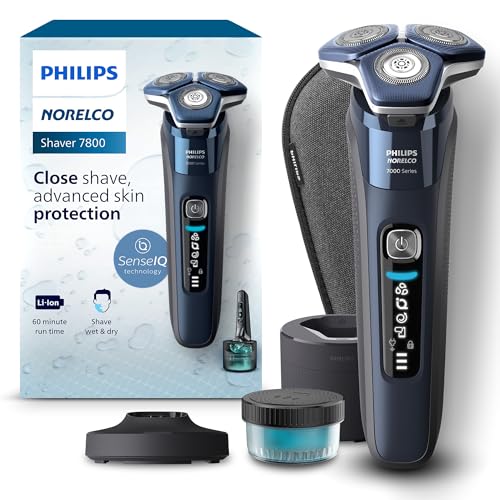
Philips Norelco Shaver 7800, Rechargeable Wet & Dry Electric Shaver with SenseIQ Technology, Quick Clean Pod, Charging Stand, Travel Case and Pop-up Trimmer, S7885/85
Made of up to 250,000 micro-tech beads per square cm, Nano SkinGlide coating improves gliding on skin by...
As an affiliate, we earn on qualifying purchases.
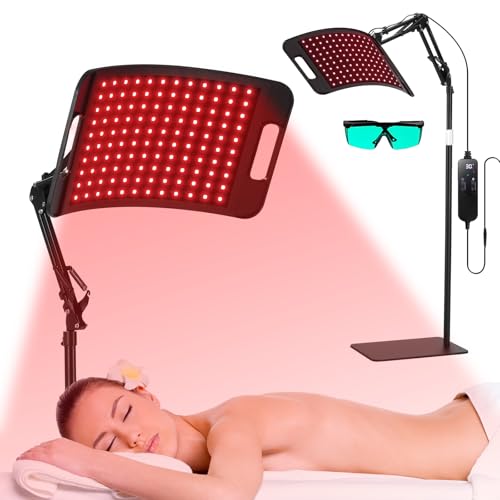
LEDINO Red Light Therapy for Body face-660nm 850nm Infrared Light Therapy Panel 3 in 1 Led Bead red lamp Therapy Home Use,Gift idea for Mom Women Wife Sister Girlfriend
RED LIGHT THERAPY PANEL WITH PROFESSIONAL RED&NEAR INFRARED 3 beads big powerful high efficiency LEDs- Dual Wavelength Technology...
As an affiliate, we earn on qualifying purchases.