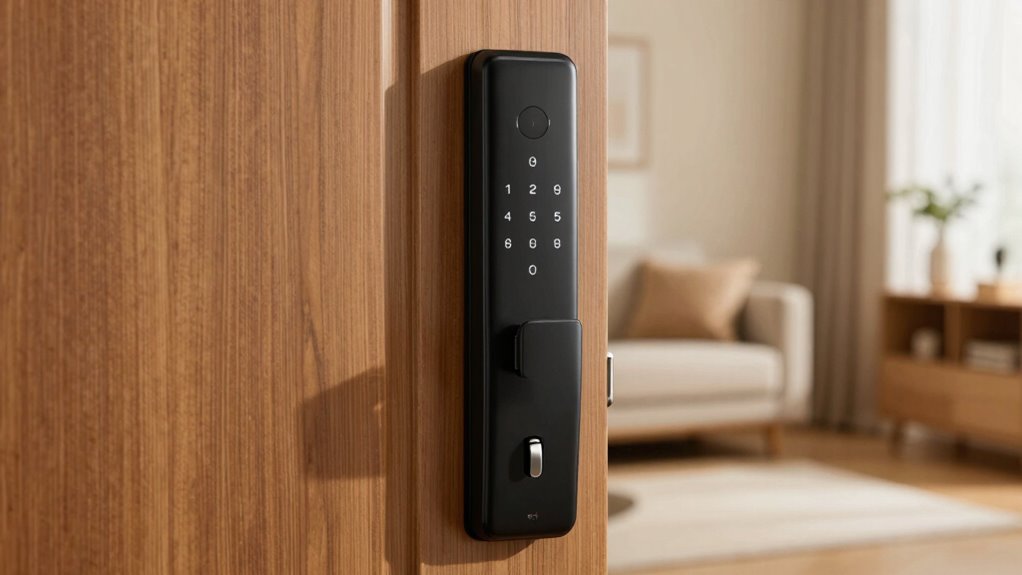

To secure your smart lock, the most important step is updating its firmware to fix security flaws and enable the latest protection features. Outdated firmware can leave vulnerabilities that hackers can exploit to bypass biometric or password protections. Also, review your biometric settings and disable any features you don’t trust or need. By ensuring your firmware is current and your security options are optimized, you strengthen your lock’s defenses—stay tuned to learn how to tackle these steps effectively.
Key Takeaways
- Ensure your device’s firmware is up to date to patch known security vulnerabilities.
- Disable unnecessary biometric features to reduce potential attack vectors.
- Enable multi-factor authentication, like PIN or passcode, alongside biometric methods.
- Manually check for firmware updates regularly through the manufacturer’s app or website.
- Review and adjust security settings to strengthen protection against unauthorized access.
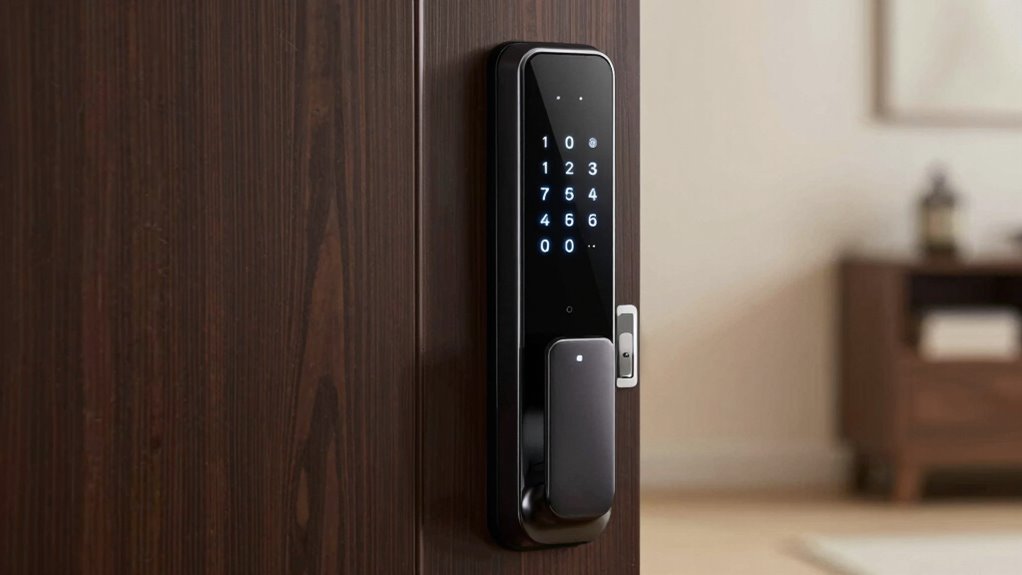
Smart locks offer convenient access control, but their security settings are essential to keeping your home safe. If you’ve recently installed or are using a smart lock, you might think that simply having it installed is enough. However, cyber vulnerabilities and hardware flaws can still expose your home to risks if you don’t properly configure its security features. One of the most overlooked aspects is understanding biometric vulnerabilities; while fingerprint or facial recognition systems seem secure, they aren’t foolproof. Hackers can sometimes manipulate or spoof biometric data, especially if the lock’s firmware isn’t up to date. That’s why firmware update protocols are fundamental. These updates often patch known security flaws, improve biometric recognition algorithms, and enhance overall system resilience. Failing to keep your lock’s firmware current leaves it vulnerable to exploits that could bypass biometric authentication altogether.
Keep your smart lock secure by regularly updating firmware and reviewing biometric settings.
You need to guarantee your smart lock’s firmware update protocols are properly configured and regularly maintained. Many devices automatically check for updates, but some don’t, or require manual intervention. If you don’t actively verify that your lock is running the latest firmware, you risk exposing it to known vulnerabilities. Check your manufacturer’s app or website frequently to see if updates are available. Installing firmware updates promptly is one of the simplest yet most effective ways to bolster your lock’s security. These updates often include patches for biometric vulnerabilities that hackers might try to exploit, such as bypassing fingerprint sensors or using advanced hacking tools to mimic biometric data.
Beyond firmware, you should also review the biometric settings yourself. Disable any features you don’t need or don’t fully trust, and enable multi-factor authentication if available. For example, some smart locks allow you to set a backup PIN or passcode in case biometric recognition fails. This layered approach adds an extra security barrier, making it more difficult for intruders to gain access. Also, avoid sharing biometric data or access credentials over unsecured channels. Remember, cybercriminals constantly develop new methods to exploit vulnerabilities, so staying proactive is key. Additionally, consider water-based security features like waterproof or water-resistant designs, especially if your smart lock is exposed to outdoor elements, as water damage can sometimes compromise hardware integrity and security features.
Finally, educate yourself on the specific security features your smart lock offers. Read the user manual and understand how biometric vulnerabilities could be exploited if the firmware isn’t updated. Regularly check for security alerts from the manufacturer or cybersecurity sources. By maintaining proper firmware update protocols and carefully managing biometric settings, you notably reduce the risk of unauthorized access. Your smart lock is only as secure as the precautions you take to protect it. Don’t wait until it’s too late—stay vigilant and keep your home safe by prioritizing these key security settings.
Frequently Asked Questions
Can I Use My Smart Lock Without Wi-Fi?
It’s a common myth that smart locks work independently of Wi-Fi, but most actually depend on it for remote access and updates. Without Wi-Fi, you can still use your smart lock locally, but you lose the ability to control it remotely, which introduces security risks if you forget to lock or unlock it manually. Relying solely on local controls minimizes Wi-Fi dependency, but for full security and convenience, a stable connection is essential.
How Often Should I Update My Smart Lock Firmware?
You should update your smart lock firmware as often as the manufacturer releases new updates, ideally every few months. These firmware updates include important security patches that protect your lock from vulnerabilities. Regular updates ensure your smart lock stays secure and functions properly. Don’t skip these updates—install them promptly to keep your device safe from potential threats and maintain peak performance.
Are There Backup Methods if My Smart Lock Fails?
Think of your smart lock as a castle gate. If it fails, you need a key backup or emergency access plan, like a secret tunnel. Keep a physical key hidden somewhere safe, or set up an emergency access code. These backups guarantee you can always get in when tech fails, giving you peace of mind knowing you’re prepared for any lockout situation.
What’s the Best Way to Revoke Access for a User?
To revoke access for a user, you should access your smart lock’s app or control panel. Navigate to user permissions, then select the specific user you want to restrict. Use the access revocation feature to remove or disable their permissions. This guarantees they can no longer open your door. Regularly review user permissions to maintain security and make certain only authorized individuals have access.
Does Disabling Bluetooth Improve Security?
Disabling Bluetooth can improve your smart lock’s security by reducing wireless vulnerabilities, making it harder for hackers to exploit Bluetooth security flaws. When you turn off Bluetooth, you prevent unauthorized access through wireless signals, protecting your lock from remote attacks. This simple step enhances overall security, especially if you don’t need Bluetooth for daily use. Always stay vigilant about wireless vulnerabilities and disable Bluetooth when it’s not actively needed.
Conclusion
Remember, a chain is only as strong as its weakest link. By fixing that one security setting on your smart lock, you’re strengthening your home’s defenses. Don’t wait until it’s too late—take action now to secure your smart lock and protect what matters most. Stay vigilant and proactive; a small change today can prevent big problems tomorrow. After all, an ounce of prevention is worth a pound of cure.