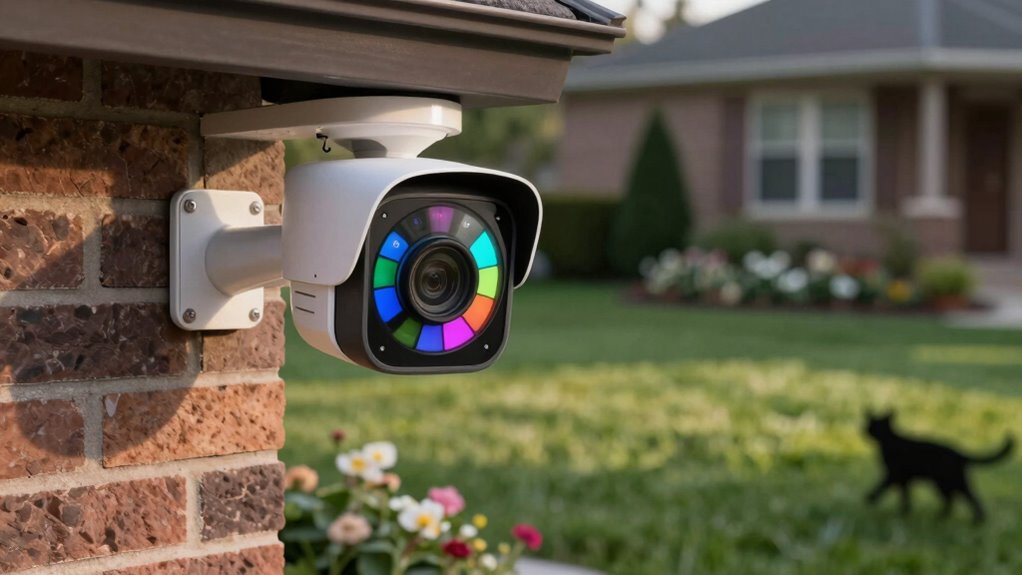
To reduce false motion alerts, start by adjusting your camera’s motion sensitivity—lower it slightly to minimize false triggers from small movements. Next, use zone calibration to select monitored areas carefully, excluding spots prone to false alerts like trees or busy streets. Test and refine these settings by walking through the zones and observing alerts, making adjustments as needed. If you keep fine-tuning, you’ll improve detection accuracy and cut down on unnecessary notifications—there’s more to optimize your setup effectively.
Key Takeaways
- Adjust motion sensitivity settings to find a balance that detects genuine threats without triggering false alerts.
- Use zone calibration to exclude areas prone to false alarms, such as busy streets or trees.
- Test and refine zone boundaries by simulating movement, ensuring only relevant areas trigger alerts.
- Regularly revisit and tweak settings to adapt to changing lighting, seasons, and surroundings.
- Combine proper zone calibration with sensitivity adjustments for optimal false alert reduction and reliable detection.
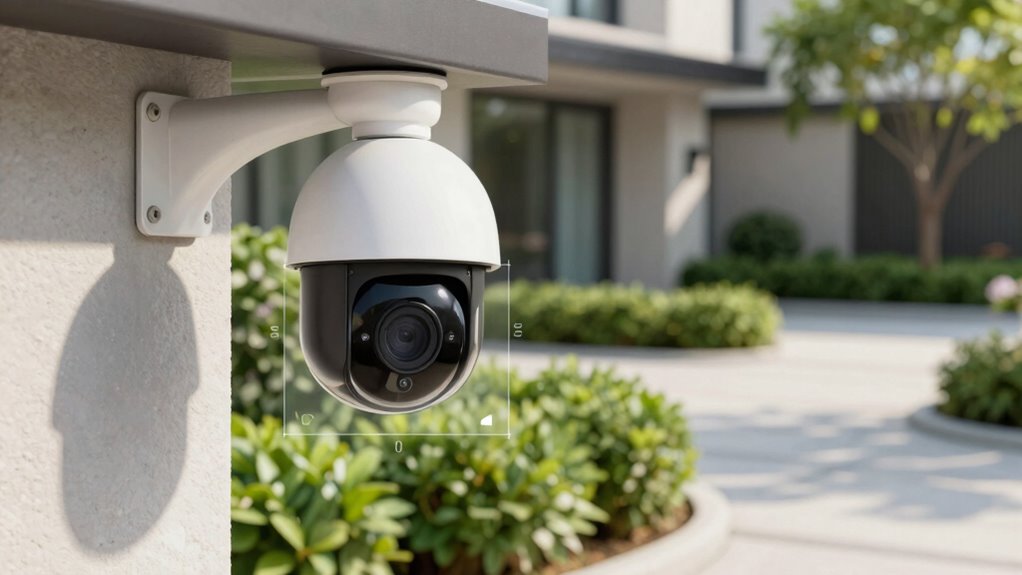
False motion alerts can be frustrating, but you can often fix them by properly tuning your camera zones. When your security system keeps alerting you to movement that isn’t there, it’s usually because the motion sensitivity settings are too high or the zone calibration isn’t refined. Adjusting these settings can dramatically reduce false alarms and improve your camera’s performance.
Start by examining your camera’s motion sensitivity setting. This controls how responsive your camera is to movement within its field of view. If it’s set too high, even minor changes like moving trees, passing cars, or shadows can trigger alerts. Lowering the sensitivity makes the camera less reactive to small movements, helping you focus only on significant activity. However, don’t dial it down too much, or you risk missing genuine threats. Find a middle ground where the camera detects real motion without overreacting to minor, everyday changes.
Next, focus on zone calibration. Many cameras allow you to define specific zones within the camera’s view. Use this feature to exclude areas prone to false alerts, like busy streets, tree branches, or other motion-rich backgrounds. By carefully calibrating your zones, you tell the camera where to watch closely and where to ignore movement. For example, you might set a zone around your front porch but exclude the street or sidewalk where cars and pedestrians frequently pass. This targeted approach ensures your camera is monitoring the most relevant areas and ignoring irrelevant motions.
When performing zone calibration, walk through the process slowly. Use the camera’s app or interface to draw or select zones, then test the settings by simulating movement in different parts of the view. If you notice the camera still triggers alerts from unwanted areas, refine the zones further. It’s often a process of trial and error—adjust, test, and tweak until you find the right balance. Remember that lighting conditions change throughout the day, so revisit your calibration periodically for ideal results. Understanding how filtration systems influence camera performance can also help in optimizing image clarity and motion detection accuracy.
Combining proper zone calibration with an appropriate motion sensitivity setting will give you the best protection against false alarms. It’s about creating a tailored monitoring system that responds only to what matters most to you. Don’t be afraid to experiment with these settings until your camera provides accurate, reliable alerts. With patience and a little fine-tuning, you’ll reduce unnecessary notifications and have a smarter, more effective security setup.
Top picks for "false motion alert"
Open Amazon search results for this keyword.
As an affiliate, we earn on qualifying purchases.
Frequently Asked Questions
Can Weather Conditions Affect Motion Detection Accuracy?
Yes, weather conditions can influence motion detection accuracy. Weather interference like rain, snow, or fog can trigger false alerts, while extreme sunlight or shadows may cause sensors to misfire. Adjust your camera’s sensor sensitivity to reduce false alarms, especially during harsh weather. Regularly check and fine-tune your zones to ensure your camera accurately detects motion, even in changing weather, for reliable security.
How Often Should I Review Camera Zone Settings?
Think of your camera zones as a finely tuned orchestra—regularly review them to keep harmony. You should check your settings every few months, especially after changing camera placement or noticing lighting conditions shift. Bright sunlight or shadows can throw off detection, so adjusting zones guarantees you’re catching real activity. By staying vigilant and updating your zones, you keep your system singing in perfect pitch, avoiding false alerts and missed moments.
Do Different Camera Brands Have Varying Zone Tuning Features?
Yes, different camera brands have varying zone customization features. Some brands offer advanced zone tuning, allowing you to precisely select areas for motion detection, while others have more basic options. When choosing a camera, consider the brand’s zone customization features to guarantee they meet your needs. Exploring each brand’s zone tuning capabilities helps you optimize alerts and reduce false notifications, making your security setup more effective and tailored to your environment.
Is There a Way to Temporarily Disable Motion Alerts?
Every cloud has a silver lining, so you can temporarily disable motion alerts when needed. Simply access your camera’s alert notification settings and toggle off the motion sensor calibration or alerts. This quick fix helps prevent false alarms during events like cleaning or parties. Remember, you can easily turn alerts back on when you’re ready, giving you control without missing important activity.
How Do I Distinguish Between Genuine Alerts and False Alarms?
To distinguish between genuine alerts and false alarms, start by reviewing your camera’s sensor calibration. Adjust the zones to focus on areas of interest and reduce irrelevant motion detection. Proper sensor calibration helps prevent false alarms, ensuring alerts are accurate. Regularly update your camera’s firmware and fine-tune the detection zones. This proactive approach improves false alarm prevention, giving you confidence in your security system’s reliability.
Conclusion
By fine-tuning your camera zones, you’re fundamentally planting a garden of vigilance, where each carefully chosen area blooms with clarity. Think of your camera as a vigilant guardian, whose watchful eyes only focus on what truly matters. When you set your zones right, false alarms fade like shadows at dawn, leaving you with a clear view of what’s real. Master this skill, and your security system becomes a steady lighthouse guiding you safely through the night.