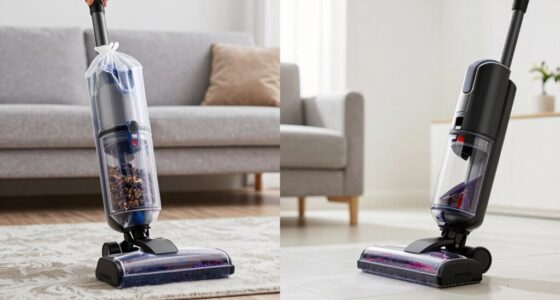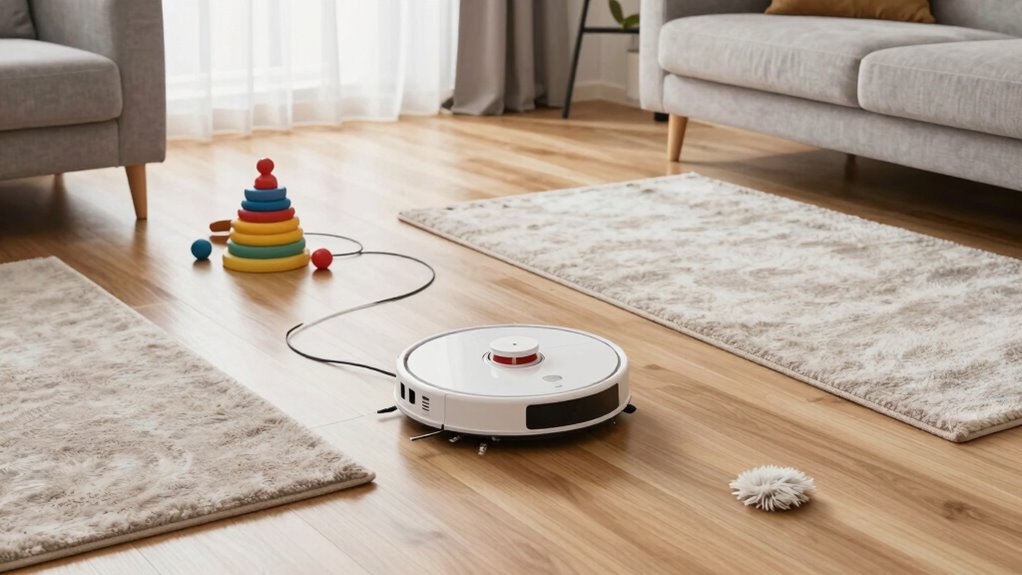

To prep your home for a robot vacuum, clear clutter, loose cords, and small objects that could block or tangle the device. Make certain furniture legs are sturdy and not too low. Regularly maintain the vacuum by emptying the dustbin, cleaning brushes, and filters. Manage pet hair by cleaning components frequently and placing rugs in pet areas. Set up zones and boundaries to optimize coverage and avoid obstacles. Keep these tips in mind, and you’ll get better results from your vacuum—more useful insights follow.
Key Takeaways
- Clear all clutter, cords, and small objects from floors to ensure unobstructed cleaning.
- Regularly empty dustbin, clean brushes, and maintain filters for optimal vacuum performance.
- Manage pet hair by cleaning brushes frequently and containing hair with rugs or mats.
- Map your home and set virtual boundaries to target high-traffic areas and restrict access.
- Maintain all vacuum components and understand navigation features for efficient, thorough cleaning.
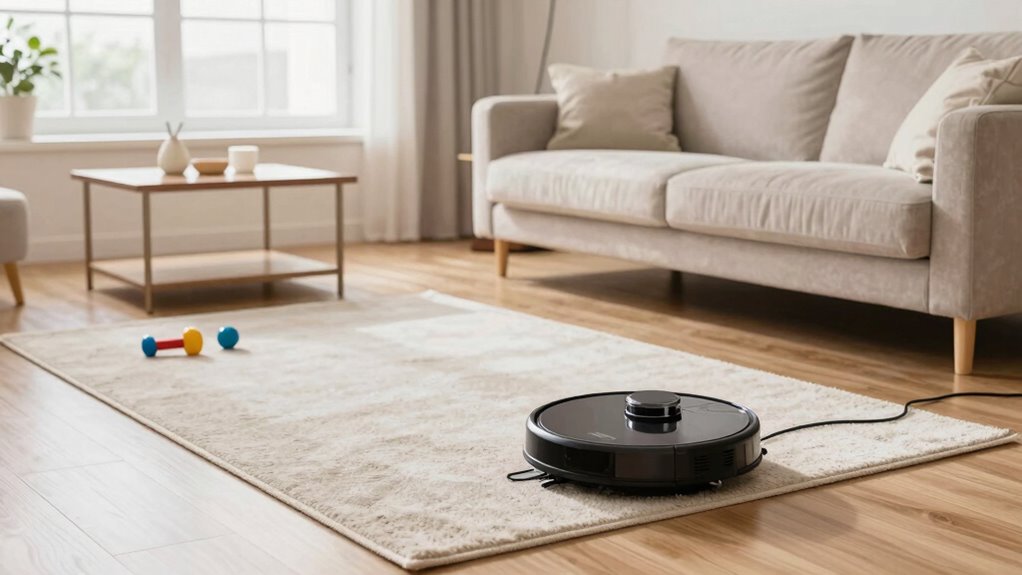
Getting your home ready for a robot vacuum guarantees it works efficiently and cleans thoroughly. To make sure your device performs at its best, start by clearing the floors of clutter. Pick up loose cords, small objects, and anything that could obstruct the vacuum’s path. This prevents jams and guarantees the robot can access every corner. Check that your furniture legs aren’t too low or uneven, as that can block the robot’s sensors or cause it to get stuck. A tidy, obstacle-free space allows the vacuum to do its job without interruptions.
Next, pay special attention to robot vacuum maintenance. Regularly empty the dustbin, especially if you have pets or a lot of debris, so the vacuum doesn’t lose suction power. Clean the brushes and filters as recommended by the manufacturer—clogged brushes reduce cleaning efficiency and can strain the motor. Keep the sensors clear of dust and dirt to maintain accurate navigation. A well-maintained vacuum is less prone to malfunctions and can operate longer between maintenance sessions, saving you time and frustration. Proper maintenance also involves understanding navigation features, which can help optimize cleaning patterns and coverage. Additionally, exploring navigation technology can help you better customize your vacuum’s routes and improve overall efficiency.
Pet hair management is vital if you have furry friends. Pet hair tends to clog filters and brushes faster, so it’s important to clean these components more often. Use a brush or a damp cloth to remove pet hair from the brushes and filters regularly. Consider investing in a vacuum with a motorized brush roll designed for pet hair, which can pick up hair more effectively without tangling. Additionally, placing rugs and carpets in areas where your pets hang out can help contain loose hair and make cleaning easier. Using masks or gloves when cleaning your robot vacuum’s brushes can prevent pet hair from sticking to your hands and make the process less messy. Also, maintaining good indoor air quality by reducing dust and allergens can contribute to a healthier environment and improve your vacuum’s effectiveness. Regularly ventilating your home can further support this goal and reduce airborne debris that may clog filters.
Finally, map out the most cluttered or high-traffic zones in your home. Setting up virtual walls or boundary strips can prevent the robot from entering areas where you don’t want it to go, like kitchen counters or delicate decorations. Schedule regular cleaning sessions to keep pet hair and dust from accumulating, and always double-check that all parts are securely attached before starting a cleaning cycle. Routine maintenance is also key to preventing unexpected malfunctions and extending your vacuum’s lifespan. With a little prep work—clearing clutter, maintaining your vacuum properly, managing pet hair, and understanding cleaning patterns and navigation—you’ll help your robot vacuum work more efficiently, extend its lifespan, and keep your home cleaner with minimal effort.

Boundary Strips for Neato Shark ION IQ Robot Vacuum 750 871 761R85, Magnetic Botboundary Strips Tape Markers for RoboVac 30 xiaomi Roborock S5, Not Compatible with APP/AI/LIDAR Robot, 13 Feet
- Model Compatibility: Check your vacuum model before purchasing
- Compatible Shark Models: Various Shark Ion and IQ models listed
- Compatible RoboVac Models: RoboVac 30, 30C, 35C
As an affiliate, we earn on qualifying purchases.
As an affiliate, we earn on qualifying purchases.
Frequently Asked Questions
How Often Should I Schedule My Robot Vacuum to Clean?
You should schedule your robot vacuum to clean at least once a day or every couple of days, depending on your home’s foot traffic and cleaning needs. Establishing a consistent cleaning routine guarantees dust, pet hair, and debris don’t build up. Adjust the scheduling frequency based on your household activity—more frequent cleanings keep your space spotless, while less frequent ones might suffice if you have minimal clutter.
Can Robot Vacuums Handle Thick or Shaggy Carpets?
Can robot vacuums handle thick or shaggy carpets? It depends on your vacuum’s suction power and the carpet pile. While some models with strong suction can manage shaggy carpets, many struggle with deep or plush pile. You might find that they leave debris behind or get stuck. To get the best results, choose a robot vacuum designed specifically for high-pile carpets or consider manually cleaning those areas for thoroughness.
Do Robot Vacuums Work Well Around Pets?
Robot vacuums work pretty well around pets, especially for pet fur removal, but noise levels can be a concern. You might notice some models are louder, which could disturb your furry friends. To guarantee smooth operation, clear pet toys and bedding from the vacuum’s path. Choosing a quieter model helps keep your pets comfortable, and regular maintenance ensures the vacuum effectively handles pet hair and fur without missing spots.
How Do I Maintain and Clean the Robot Vacuum?
Did you know regular maintenance extends your robot vacuum’s lifespan by up to 30%? To keep it running smoothly, clean the brushes and filters weekly, and check the sensors for dust or debris. When needed, replace the battery to maintain peak power. Also, calibrate sensors periodically to guarantee accurate navigation. Proper cleaning and maintenance make your vacuum more efficient and help prevent breakdowns, saving you time and money.
Can I Use a Robot Vacuum on Hardwood Floors With Area Rugs?
Yes, you can use a robot vacuum on hardwood floors with area rugs. To guarantee floor protection and rug compatibility, check your vacuum’s settings and brush type. Use models with gentle brushes and adjustable suction to prevent damage to delicate rugs or hardwood surfaces. Regularly clear debris, and avoid high-pile rugs if your device isn’t designed for them. This way, your floors stay clean without risking harm.

YurMemo 2 Packs Handheld Vacuum Cleaning Brush, Sweeping Robot Cleaner Brush, Universal Tool Brush for Cleaning Hair/Pet Hair/Dust
- Purpose: Cleans hair, pet hair, dust
- Material: High-strength plastic, premium bristles
- Durability: Washable, wear-resistant, long-lasting
As an affiliate, we earn on qualifying purchases.
As an affiliate, we earn on qualifying purchases.
Conclusion
With proper prep, your robot vacuum can work wonders—saving you time and energy. Just a quick tidy-up, like clearing clutter and securing cords, makes all the difference. Did you know that 85% of homeowners find their robot vacuums perform better after some simple preparation? By taking these easy steps, you’ll guarantee your device cleans more efficiently and consistently, leaving your floors spotless with less effort. Happy cleaning!

Dust Bin Top Fixed Sealing Ring Compatible with Dyson V11 V15 SV14 SV15 SV22 Vacuum Cleaner Dust Bucket/Dirt Cup Replacement Parts, Vacuum Cleaner Repair Accessories
- Compatibility: Fits Dyson V11, V15, SV14, SV22 models
- Material Quality: Made of durable, high-quality materials
- Sealing Performance: Ensures better sealing and dust containment
As an affiliate, we earn on qualifying purchases.
As an affiliate, we earn on qualifying purchases.

Tikom Robot Vacuum and Mop, Robotic Vacuum Cleaner with Self-Emptying Base
- Long-Lasting Self-Emptying: 90-day capacity with 3L dustbag
- Powerful 6000Pa Suction: Effortlessly cleans pet hair and dirt
- Advanced LiDAR Navigation: Creates smart home maps and avoids obstacles
As an affiliate, we earn on qualifying purchases.
As an affiliate, we earn on qualifying purchases.